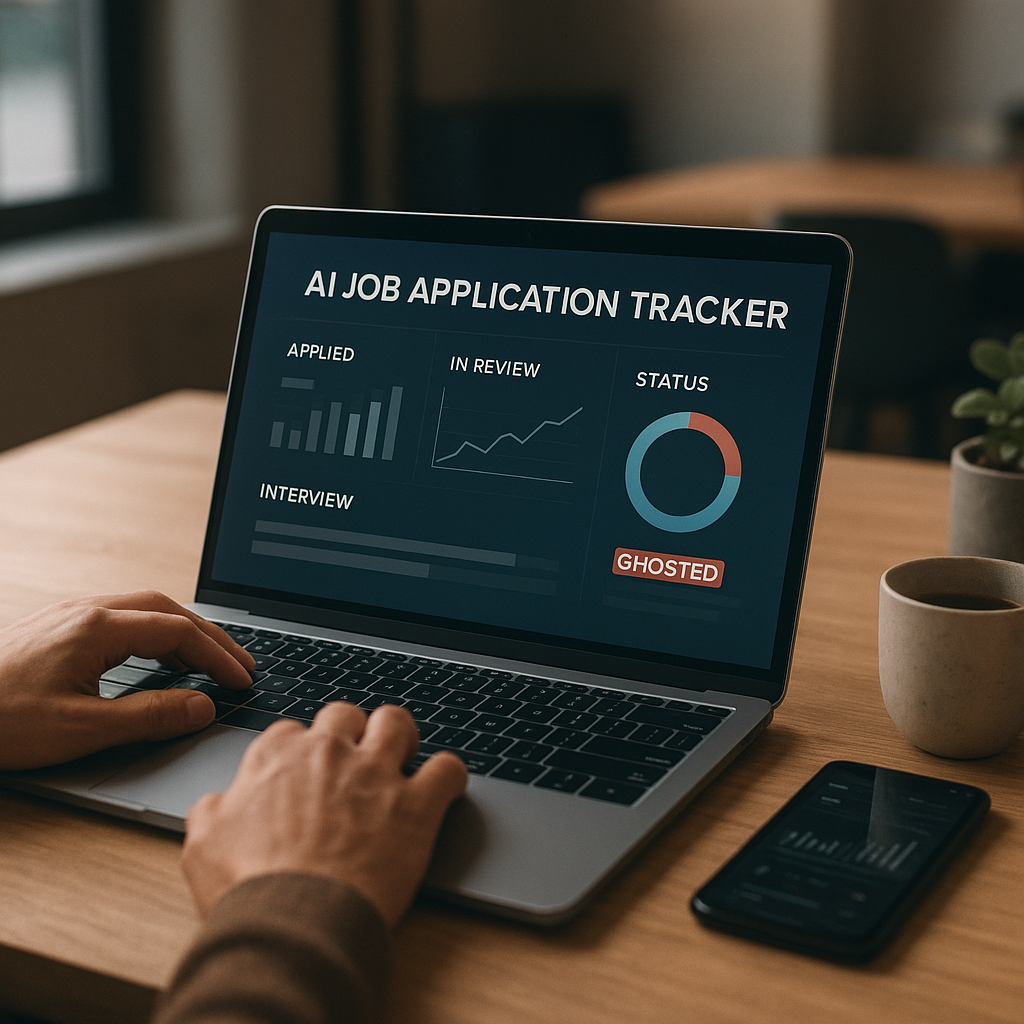
Job Search Analytics: Track Your Applications Like a Sales Pipeline to Get More Interviews (With a Simple KPI Dashboard)
Most job seekers apply more, not smarter. This guide shows how to track the right job-search KPIs—response rate, stage conversion, time-to-reply, and source quality—so you can spot what’s working, fix what’s not, and turn the same effort into more interviews.

Most job seekers apply more, not smarter—and in 2025 that’s exactly how you end up burned out with nothing to show for it.
The problem isn’t effort. It’s feedback. If you can’t tell which resumes are getting past ATS screens, which sources actually produce replies, or how long employers take to respond in your niche, you’ll keep repeating the same actions… and hoping for a different result.
This guide shows how to run your job search like a sales pipeline using a simple KPI dashboard—so you can spot what’s working, fix what’s not, and turn the same effort into more interviews.
Why your job search needs a sales pipeline (especially in 2025)
If you’ve ever felt like your applications disappear into a void, you’re not imagining it. Hiring workflows in 2025 are often a mix of:
- ATS + knock-out questions (automatic filters)
- AI-assisted screening (resume summaries, ranking, “fit” signals)
- Overloaded recruiters handling high applicant volume
- Longer decision cycles due to headcount approvals and interview panel scheduling
- More competition for remote/hybrid roles (broader candidate pools)
In sales, you don’t just count “calls made.” You track:
- how many leads move to qualified,
- how many become meetings,
- where deals stall,
- which channels produce the best leads.
Your job search is the same:
- Applications are “leads.”
- Recruiter replies are “responses.”
- Screens and interviews are “meetings.”
- Offers are “closed-won.”
When you track your job search like a pipeline, you stop guessing—and start improving the exact step that’s leaking results.
The 4 job-search KPIs that actually predict more interviews
Forget vanity metrics like “applications submitted.” In 2025, the job seeker advantage comes from tracking conversion rates and speed.
KPI #1: Response Rate (Are employers engaging at all?)
Definition: The percentage of applications that receive any human response (rejection, recruiter email, screening invite, etc.).
Formula:
Response Rate = Responses ÷ Applications
What “good” looks like (rough benchmarks):
- Cold online applications: often 5–15% response (varies by role, seniority, market)
- Warm applications (referral, hiring manager outreach, recruiter intro): can jump to 15–40%
Why it matters:
If your response rate is low, you likely have a positioning problem (resume/targeting) or a channel problem (applying in places that don’t convert).
Actionable insight:
If you apply to 60 roles and hear back from 3, your response rate is 5%. If you improve to 10%, you’ve doubled responses without applying more.
KPI #2: Stage Conversion (Where are you getting stuck?)
Definition: The percentage moving from one stage to the next.
Common pipeline stages:
1. Applied
2. Recruiter Reply
3. Recruiter Screen
4. Hiring Manager Interview
5. Final Round
6. Offer
Formula example:
Applied → Recruiter Reply Conversion = Recruiter Replies ÷ Applications
What it tells you:
- If Applied → Reply is weak: resume targeting/ATS match/source issue
- If Reply → Screen is weak: your follow-up, timing, or initial pitch is off
- If Screen → Interview is weak: storytelling, role alignment, or comp expectations
- If Final → Offer is weak: competitive differentiation, references, or negotiation strategy
This is the KPI that prevents you from “fixing the wrong thing.”
KPI #3: Time-to-Reply (Are you applying early enough?)
Definition: Average days between applying and first response.
Formula:
Avg Time-to-Reply = Sum(days to first response) ÷ Number of responses
Why it matters in 2025:
Many roles effectively operate on an “early applicant advantage.” Recruiters often begin screening within days, and once a shortlist is built, later applications may never be reviewed.
How to use it:
- If replies mostly come within 3–7 days, prioritize applying within 24–72 hours of posting.
- If a company typically replies in 10–20 days, reduce anxiety—and schedule follow-ups accordingly.
KPI #4: Source Quality (Which channels produce interviews?)
Definition: Which sources (LinkedIn Easy Apply, company site, referral, recruiter outreach, niche board) produce the best stage outcomes, not just volume.
Track at least:
- Applications by source
- Replies by source
- Screens/interviews by source
- Offers by source (eventually)
Example insight:
If referrals are only 15% of your applications but generate 50% of your interviews, your next step is obvious: build a repeatable referral workflow.
Your simple KPI dashboard (copy this template)
You can do this in a spreadsheet, Notion, Airtable—or a job search tool that tracks applications automatically. The key is consistency.
Step 1: Set up your pipeline stages
Use these columns:
- Role Title
- Company
- Source (LinkedIn, referral, recruiter, company site, niche board)
- Date Found
- Date Applied
- Stage (Applied, Reply, Screen, HM Interview, Final, Offer, Rejected, Ghosted)
- Last Activity Date
- Next Action (follow-up, prep, networking message)
- Notes (ATS score, key keywords, compensation range, contact names)
Step 2: Add KPI calculations (weekly view)
Create a weekly summary table:
Volume
- Applications submitted
- Follow-ups sent
- Networking messages sent
Core KPIs
- Response Rate = Responses ÷ Applications
- Applied → Screen Conversion = Screens ÷ Applications
- Screen → Interview Conversion = HM Interviews ÷ Screens
- Offer Rate = Offers ÷ HM Interviews
- Avg Time-to-Reply (days)
Quality KPIs
- Response Rate by Source
- Screens by Source
- Interviews by Role Type (e.g., Data Analyst vs BI Analyst)
- ATS match indicator (more on this below)
A realistic example dashboard (what “good” progress looks like)
Let’s say in 4 weeks you have:
- 80 applications
- 16 responses (20% response rate)
- 8 screens
- 4 hiring manager interviews
- 1 final round
This is not “lucky.” It’s measurable. And now you can ask:
- Which source created the 4 hiring manager interviews?
- Which resume version produced most replies?
- How quickly did those companies respond?
That’s how you build a repeatable system.
How to improve each KPI (specific, 2025-ready tactics)
Improve Response Rate: Optimize for ATS + humans
In 2025, your resume often needs to win twice:
1) pass automated filtering/ranking
2) get a recruiter to say “yes” in ~15 seconds
Do this:
- Create 2–3 resume variants for your target role family (not 20).
Example: “Product Analyst,” “Data Analyst,” “Business Analyst” versions.
- For each application, mirror 8–12 key terms from the job description (tools, workflows, domain language).
Don’t keyword-stuff—place them in context (projects, impact bullets).
- Add a skills section that matches their stack order (if the role leads with SQL + dbt + Snowflake, don’t bury SQL halfway down).
Run a controlled test (not a vibe check):
- Week 1: Resume A for 20 roles
- Week 2: Resume B for 20 similar roles
Compare response rate and screen rate. Keep the winner.
Improve Stage Conversion: Fix the leaky step, not everything
If you’re getting recruiter screens but not moving forward, don’t rewrite your resume again. Work the stage you’re losing.
Recruiter Screen → Hiring Manager Interview improvements:
- Prepare a 30-second positioning statement:
- role you’re targeting
- your “proof” (numbers, projects, outcomes)
- why this role type now
- Build a compensation anchor:
- know your range
- have a short explanation tied to scope and market
- Keep two stories ready:
- a high-impact win with metrics
- a messy problem you solved (cross-functional, ambiguity)
Hiring Manager Interview → Final Round improvements:
- Bring a role-specific 30/60/90-day plan (1 page)
- Translate your work into the manager’s goals: speed, risk reduction, revenue, customer retention, cycle time
Improve Time-to-Reply: Apply earlier and follow up smarter
Tactics that work in 2025:
- Set alerts for your top 20 companies and apply within 48 hours when possible.
- Follow up based on realistic timing:
- If the company replies quickly (your data shows <7 days): follow up at day 5–7
- If they’re slower (10–20 days): follow up at day 10–14
- Send a follow-up that adds value:
- 2 bullets mapping your experience to their requirements
- 1 proof point (metric or portfolio link)
- a simple question (“Is this role still actively interviewing?”)
Improve Source Quality: Shift from “more applications” to “better channels”
Once you track interviews by source, you can reallocate effort.
Common source patterns in 2025 (general trend):
- Referrals / warm intros: fewer apps, higher conversion
- Recruiter outreach: strong if your profile is well-positioned
- Company site: better than Easy Apply for some orgs (cleaner ATS records)
- Easy Apply: high volume, lower conversion (still useful strategically)
- Niche boards: can outperform general boards in specialized fields
A simple reallocation rule:
- If a source yields 2x the screen rate, increase time spent there next week.
- If a source yields 0 responses after 20–30 applications, pause it and diagnose (or drop it).
Tools: Spreadsheet vs Notion vs dedicated trackers (honest pros & cons)
You can build a KPI dashboard in many ways. Here’s a practical comparison.
Spreadsheet (Google Sheets / Excel)
Pros
- Fast, flexible, easy formulas
- Simple charting for KPIs
Cons
- Manual data entry gets old fast
- Harder to track insights like ATS match or nuanced stage notes without clutter
Best for: highly self-directed job seekers who’ll keep it updated.
Notion / Airtable
Pros
- Great for workflows + notes + templates
- Better “database” feel than spreadsheets
Cons
- KPI math is doable but can get fiddly
- Still manual unless you build automations
Best for: people who want tracking + knowledge base in one place.
Trello / Kanban boards
Pros
- Visual stage tracking is satisfying
- Easy “next action” workflow
Cons
- Weak analytics unless you add power-ups or export data
- Harder to track source quality and time-to-reply cleanly
Best for: stage movement and daily execution, not analytics.
Dedicated job search tools (including Apply4Me)
Dedicated platforms are built for this exact use case: tracking + insights.
Where Apply4Me fits (and why it matters for analytics):
- Job tracker: centralizes roles, stages, and follow-ups so your pipeline stays current
- ATS scoring: helps you estimate match quality before you apply (useful for improving response rate)
- Application insights: see patterns—what sources convert, what resume versions work, where your funnel leaks
- Mobile app: update stages, log replies, and follow-ups immediately (data stays accurate)
- Career path planning: helps you choose role targets strategically, so you’re not building a pipeline for jobs you don’t actually want
The honest tradeoff with any dedicated tool: if you prefer full customization or you hate platforms, a spreadsheet may feel freer. But if you struggle with consistency, automation + built-in analytics usually wins.
Implementation: A 7-day job search analytics plan (that doesn’t take over your life)
Day 1: Define your pipeline and goals
Pick one primary target role family (e.g., “Marketing Ops Manager”) and define stages.
Set weekly targets:
- Applications: 15–25 (quality > volume)
- Networking messages: 10–15
- Follow-ups: 5–10
Day 2: Establish your baseline metrics
Log the last 20–30 applications you can remember. Don’t aim for perfection—aim for a starting point.
Day 3: Create two resume variants + one cover message
- Resume A (slightly broader)
- Resume B (more keyword-aligned and specialized)
- One tight outreach note for recruiters/hiring managers
Day 4–5: Run a controlled test
Apply to 10 similar roles with Resume A and 10 with Resume B.
Track response and time-to-reply.
Day 6: Diagnose the funnel leak
Look at:
- response rate
- stage conversion
- source performance
Pick one fix for next week.
Day 7: Build your “next week” plan based on data
Examples:
- “Referrals produced 3 of 4 screens → I’ll spend 60 minutes/day on outreach.”
- “Company site apps beat Easy Apply → I’ll prioritize direct applications.”
- “Resume B doubled response rate → I’ll standardize it.”
Conclusion: Stop guessing—start compounding small improvements
In 2025, the job search rewards the people who treat it like a measurable process. The goal isn’t to become a spreadsheet wizard—it’s to create a feedback loop:
Track → diagnose → adjust → repeat.
When you know your response rate, stage conversion, time-to-reply, and source quality, you stop wasting effort on low-return actions and start investing in what reliably produces interviews.
If you want an easier way to maintain your pipeline and actually learn from it—without manually wrestling a spreadsheet—tools like Apply4Me can help by combining a job tracker, ATS scoring, and application insights (plus a mobile app and career path planning to keep your strategy aligned).
Try the dashboard approach for two weeks. You don’t need more hustle—you need better data.

Jorge Lameira
Author