How to spot fake job postings (and avoid scams)
Fake listings are rising across major job boards and social platforms—especially for remote roles. This guide shows you how to spot fake job postings using a practical red-flag checklist, verification steps, and what to do if you already applied.

Fake listings are rising across major job boards and social platforms—especially for remote roles. If you’ve ever spent 30 minutes tailoring a resume only to get a sketchy text asking for your WhatsApp, you’re not alone. In 2026, scammers are using AI-generated company pages, cloned recruiter profiles, and “too fast” hiring processes to steal personal data, money, or even your identity. This guide breaks down how to spot fake job postings with a practical red-flag checklist, simple verification steps, and exactly what to do if you already applied.
Why fake job postings are exploding in 2026 (and who they target)
Job scams scale better than ever because fraudsters can now generate believable job descriptions, emails, and recruiter messages in minutes. Remote work demand is still high, and “work from anywhere” roles attract huge applicant volumes—making it easier for scammers to hide in the noise.
Common targets in 2026 include:
- Remote-first applicants (customer support, data entry, virtual assistant, “junior” marketing roles)
- New graduates and career switchers (less familiar with hiring norms)
- Laid-off or urgent job seekers (more likely to accept rushed offers)
- International candidates (visa/relocation “processing” scams)
Scammers typically aim for one of three outcomes:
1. Money (fake equipment purchases, “training fees,” background check charges)
2. Sensitive data (SSN, ID scans, banking details, payroll info)
3. Account takeover/identity theft (job seeker accounts, email access, or “verification” codes)
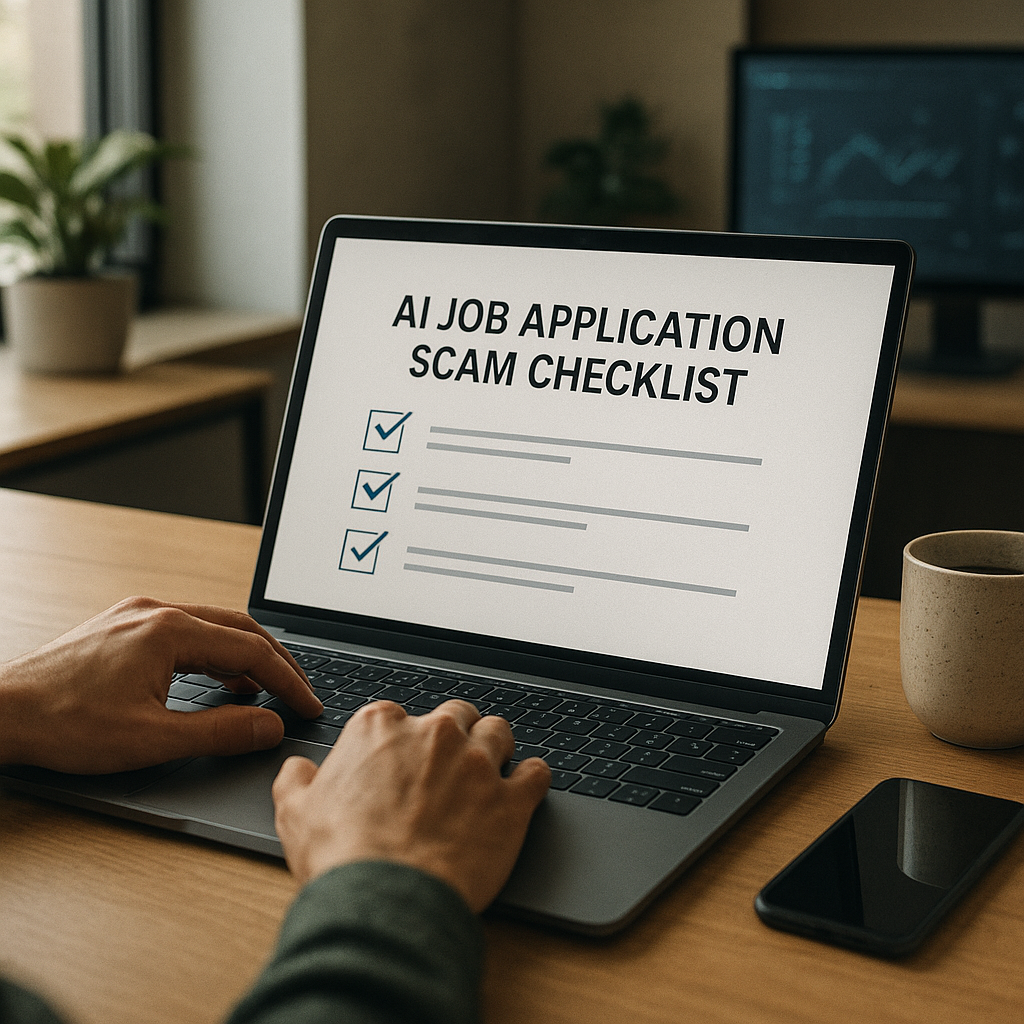
How to spot fake job postings: the 2026 red-flag checklist (save this)
Use this checklist before you apply—and again before you share any personal info. One red flag doesn’t always mean scam, but 2–3 together should trigger verification.
Red flags in the job post itself
- Pay is unusually high for entry-level work (e.g., “$45–$70/hour data entry, no experience”).
- Vague responsibilities like “assist with tasks” without specific tools, outcomes, or team context.
- Generic requirements that don’t match the salary (“must be detail-oriented” as the main requirement).
- Odd formatting or inconsistent tone (AI-generated fluff, repetitive phrases, random capitalization).
- Urgency pressure: “Hiring immediately,” “limited slots,” “apply in the next 2 hours.”
- Remote role with location conflicts: says “US-only,” but includes non-US labor law language or weird time zones.
Red flags in the company and branding
- Company name is slightly off (e.g., “Micros0ft Careers” or “Deloitte USA Hiring Group”).
- Website is new or suspicious (strange domain like .careers-now.site, broken pages, no leadership/team info).
- No legitimate footprint: no real employees on LinkedIn, no press/news, no product presence.
- Cloned employer pages: looks like a real company but links to the wrong domain or has mismatched logos.
Red flags in the communication and process
- You’re pushed to WhatsApp/Telegram/Signal immediately.
- Interview is text-only, or they “interview” via a Google Form chat.
- They avoid video with excuses (“camera broken,” “policy doesn’t allow video”).
- They offer the job extremely fast (same day) without a real interview.
- Email is from a free domain (Gmail/Outlook) for a company that should have corporate email.
- They ask for sensitive info early (SSN, ID, banking) before a signed offer and verified onboarding.
Red flags involving money (nearly always a scam)
- They send a check to buy equipment or ask you to reimburse.
- They require upfront fees (application, training, background check, “software access”).
- They ask for crypto payments, gift cards, or wire transfers.
- They request your banking info before offer + HR verification.
“Is this job posting real?” Verification steps that take 10 minutes
When something feels off, don’t debate—verify. These steps catch most scams quickly.
1) Confirm the job exists on the employer’s official site
- Go to the company’s official website (type it yourself, don’t click the job post link).
- Navigate to Careers and search for the same role title/location.
- If it’s not listed, it doesn’t automatically mean fake (some roles are agency-posted), but it’s a major warning.
Pro tip: Scammers often copy real postings but change the application link to a fake form.
2) Verify the recruiter (not just the profile)
A LinkedIn profile can look real and still be compromised or newly created for fraud.
Check:
- Employment history that matches the company’s timeline
- A real network (mutual connections, consistent activity)
- Whether the recruiter uses a company email domain
- Whether the recruiter appears on the company’s team page or posts from a verified company account
If you can’t confirm, message the company through a verified channel (company site contact form or official LinkedIn page) asking if the person is an employee recruiting for that role.
3) Inspect the email domain and links (without clicking blindly)
- Hover over links and verify the domain matches the official site.
- Watch for lookalike domains: company-careers.com vs company.com.
- If they use Google Drive/Docs for “offer letters” or “onboarding,” be cautious—real companies can use these, but scammers rely on them heavily.
4) Ask two “process” questions scammers hate
Send a short reply like:
1. “Can you confirm the hiring manager’s name and the team this role reports to?”
2. “Can you share the official job ID and confirm the application link on your company careers page?”
Legitimate recruiters answer clearly. Scammers often dodge or get aggressive.
5) Cross-check compensation and role realism
Compare the pay range with:
- Similar roles on reputable boards
- Public salary data ranges (role + region)
- The level (entry, mid, senior) and responsibilities
If the posting claims unusually high pay with minimal requirements, treat it as high-risk.
Common fake job posting scams in 2026 (with realistic examples)
Scams evolve. Here are the patterns showing up most often right now.
The “equipment purchase” or fake check scam
How it works: They “hire” you, then send a check and instruct you to buy equipment from a specific vendor. The check bounces after you’ve paid.
Example message:
“Congratulations! Your start date is Monday. We will send a check for $2,450 for your MacBook and licensed software. Please purchase only from our approved supplier.”
The “instant remote assistant” scam
How it works: Text interview, fast offer, then requests personal info and banking details for “payroll setup.”
Example red flag:
No HR paperwork, no manager call, and onboarding is “send your ID photo + SSN to verify.”
The “job application data harvest”
How it works: Fake posting exists mainly to collect resumes, phone numbers, and identity data to resell or use for account takeovers.
Example red flag:
Application asks for DOB, SSN, driver’s license, or banking info before any interview.
The “recruiter impersonation” scam
How it works: Scammer impersonates a real recruiter and uses a lookalike email domain.
Example red flag:
name@companycareers.com instead of name@company.com plus pressure to move off email to Telegram.
Tool check: use tech to reduce risk (without relying on it blindly)
You can absolutely catch most fake listings manually—but using the right tools helps you move faster and stay organized, especially when you’re applying at volume.
Below is an honest comparison of practical options job seekers use in 2026:
| Tool / Approach | Best for | Pros | Cons |
|---|---|---|---|
| Manual verification (careers page + domain checks) | High confidence validation | Most reliable, free | Time-consuming at scale |
| Job board “verified” labels | Quick filtering | Helpful signal, reduces obvious spam | Not foolproof; scams still slip through |
| Browser security + link scanning | Avoiding malicious sites | Prevents obvious phishing | Doesn’t validate legitimacy of the job |
| Spreadsheets / notes | Tracking where you applied | Simple, customizable | Easy to forget details; no scam signals |
| Apply4Me (job tracker + insights) | Applying safely at volume | Central job tracker, application insights, ATS scoring, auto-apply, mobile + web, career path planning, interview prep | Still requires human judgment for final verification |
Verdict: The safest approach is manual verification + a system that keeps your applications organized. A tracker matters because scams often succeed when you can’t remember where you applied or which “recruiter” contacted you.
Mid-process tip: If you’re juggling multiple applications, Apply4Me can help you keep a clean record (role link, company domain, contact name, stage) and spot inconsistencies faster—plus its application insights make it easier to identify patterns like “too-fast offers” or repeated suspicious employers across boards.
Step-by-step: what to do before you apply (safe-apply workflow)
Use this workflow for any role that’s remote, high-paying, or posted on social media.
Step 1: Screenshot and save the posting
Save:
- Job title, company name, pay range, and posting URL
- Recruiter name and contact method
Why it matters: scam posts often disappear once reported.
Step 2: Verify the employer and role
- Confirm the company careers page listing
- Confirm the domain matches official branding
- Check for a legitimate company footprint (employees, product, reviews)
Step 3: Apply only through trusted channels
Best options:
- Employer’s careers page
- Well-known job boards (still verify)
- Direct referral link from an employee you can confirm
Avoid:
- “Apply here” shortened links from random accounts
- “DM me your resume” as the only application method
Step 4: Control what you share early
Safe to share early:
- Resume (without full address if you prefer)
- Portfolio / LinkedIn
- City/state (not full address)
- Professional email
Do not share until after you verify the company + receive formal HR onboarding:
- SSN / national ID numbers
- Full home address
- Banking details
- Photos of ID documents
- One-time passcodes (ever)
Step 5: Use a “two-channel confirmation”
If someone claims to be from a company, confirm through a second channel:
- Reply to the email and
- Message the company through its official website or verified LinkedIn page
This defeats impersonation.
If you already applied to a fake job posting: do this immediately
If you suspect a listing was fake, speed matters—especially if you shared sensitive data.
1) Stop responding and don’t click anything else
No more links, forms, or “follow-up documents.”
2) Secure your accounts
- Change your email password (use a unique password)
- Enable MFA/2FA on email and LinkedIn
- Review your email forwarding rules (scammers sometimes add hidden forwarding)
3) If you shared financial info, act fast
- Contact your bank to flag potential fraud
- Freeze or lock your credit (where available)
- Monitor transactions and set alerts
4) If you sent ID/SSN, assume identity risk
- Place a fraud alert/credit freeze
- Monitor credit reports
- Document everything (screenshots, emails, phone numbers)
5) Report it (it helps others)
Report to:
- The job board (most have “Report job” buttons)
- LinkedIn (report the user and the job)
- Your local consumer protection agency / cybercrime reporting portal
- The real company being impersonated (security or HR contact)
6) Clean up your job search footprint
- Remove your resume from sketchy sites you don’t trust
- Use a dedicated job-search email
- Consider a phone number alias/secondary number for applications
Conclusion: stay hireable and stay safe
In 2026, scams look professional—but the patterns are consistent: urgency, off-platform messaging, too-good-to-be-true pay, and requests for sensitive info. Once you know how to spot fake job postings, you can apply with confidence, protect your identity, and focus your time on real employers.
CTA: Try Apply4Me free to track every application in one place (so you can verify roles, spot inconsistencies fast, and avoid losing time to scam listings)—it takes minutes to set up.
Frequently Asked Questions
How can I tell if a remote job posting is fake?
Look for a cluster of red flags: unusually high pay for simple work, a rushed text-only interview, pressure to move to WhatsApp/Telegram, and requests for personal or banking info early. Always verify the role on the company’s official careers page and confirm the recruiter via a company email domain.
Do legitimate employers ever interview over chat?
Some companies use chat for initial screening, but a real hiring process typically includes at least one live conversation (phone or video) and clear documentation (job ID, team, hiring manager). If chat is the only interview step and an offer comes immediately, treat it as high-risk.
What information should I never give during a job application?
Never provide SSN/national ID numbers, banking details, photos of your ID, or one-time passcodes before you’ve verified the employer and reached formal onboarding. A legitimate company won’t ask for sensitive payroll details before a real offer and confirmed HR process.
What should I do if I sent my resume to a scammer?
Stop contact, save screenshots, and report the listing to the platform. Then secure your accounts (change passwords, enable 2FA) and monitor for suspicious activity—especially if your resume included your address, phone number, or other identifying details.

Jorge Lameira
Author