AI apply to jobs without getting banned (2026)
Worried that automation will get your LinkedIn or job board account restricted? This guide shows how to use ai apply to jobs without getting banned—setting safe daily limits, preventing duplicate submissions, and building a quality-first workflow that still saves hours.

Worried that automation will get your LinkedIn or job board account restricted? You’re not alone. In 2026, job boards and ATS platforms have tightened anti-bot defenses, and job seekers are increasingly using AI to speed up tailored resumes, cover letters, and applications. This guide shows how to use ai apply to jobs without getting banned—by setting safe daily limits, avoiding duplicate submissions, and building a quality-first workflow that still saves hours (without triggering fraud systems).
Below is a practical, “do this, not that” playbook built for the modern job search.
Why accounts get restricted in 2026 (and what platforms actually detect)
Most bans aren’t about “using AI.” They’re about patterns that look like automation abuse, spam, or account compromise. In 2026, major job platforms and ATS providers commonly use a mix of:
- Rate-limit monitoring (too many applies, clicks, or messages in a short window)
- Behavioral fingerprints (identical time-on-page, identical click paths, “inhuman” speed)
- Device + session anomalies (sudden IP/geo changes, repeated logins, headless browsers)
- Duplicate-content detection (same cover letter text across many submissions)
- Duplicate-application detection (same role/company applied multiple times via different postings)
- Low-quality engagement signals (high apply volume + low profile completeness + low response)
In practice, the fastest way to get restricted is to run an auto-applier at high volume with templated text and no tracking—leading to repeated applications, mismatched docs, or rapid-fire form submissions.
The goal isn’t “apply more.” The goal is: apply consistently, credibly, and traceably.
How to use ai apply to jobs without getting banned: the safety rules that matter
This section is the foundation. If you only change a few things, change these.
1) Set “human-realistic” daily and hourly limits (safe ranges)
There’s no universal number that guarantees safety, because platforms differ and your baseline activity matters. But in 2026, a conservative approach that job seekers report as sustainable is:
Recommended starting limits (per platform):
- LinkedIn Easy Apply: 10–25 per day (spread out), 3–7 per hour max
- Indeed / similar job boards: 15–35 per day, 5–10 per hour max
- Company ATS portals (Workday/Greenhouse/Lever, etc.): 5–15 per day (they’re slower and higher-friction anyway)
What gets people flagged:
- 50–200 applications/day repeatedly
- 20+ applications in a single hour
- Applying in perfectly timed intervals (e.g., exactly every 90 seconds)
Make it look human because it is human: build in breaks, review postings, open company pages, and vary your timing.
2) Avoid duplicate submissions (a top silent ban trigger)
Duplicate applications happen more than people realize:
- Same role reposted with a new requisition ID
- Staffing agencies posting the same role under multiple listings
- “Evergreen” roles refreshed weekly
- Applying via the job board, then again via the company site (or vice versa)
Actionable fix: maintain a single source of truth—a job tracker with dedupe.
- Track: company, role title, location, requisition ID, link, date applied, status, resume version, cover letter version.
- Before applying, search your tracker by company + keyword.
If you want a smoother workflow, Apply4Me is built to prevent this exact issue: it combines a job tracker, application insights, and auto-apply controls so you can see what you already submitted, what worked, and what’s pending—without accidentally spamming the same employer.
3) Stop “one-click blasting” and switch to quality-first batching
Platforms increasingly penalize low-quality, low-intent behaviors. A better pattern is:
- Batch 1 (Discovery): save 20–40 roles
- Batch 2 (Qualification): shortlist 8–15 roles you’re truly qualified for
- Batch 3 (Application): apply to 5–10 roles with tailored materials + clean tracking
You’ll send fewer applications—but you’ll get more interviews per hour spent.
4) Don’t use bots that break platform rules (especially headless automation)
Many browser automation tools simulate clicks and form fills at scale. That’s where bans happen most often due to:
- headless browser fingerprints
- repeated form timing patterns
- suspicious session behavior
If you use automation at all, keep it assistive (drafting, summarizing, customizing), not “fully autonomous form submission at high speed.”
5) Keep your AI writing from looking like AI spam
In 2026, recruiters are used to AI-assisted writing—and they’re also tired of generic, overly polished paragraphs that say nothing.
Rules of thumb that reduce spam signals and increase interview rates:
- Include specific tools, metrics, and context (e.g., “reduced onboarding time by 18%”)
- Mirror the job description selectively (3–6 priority keywords, not all of them)
- Keep cover letters short (150–250 words) and role-specific
- Avoid cliché lines (“I am thrilled to apply…”) and filler
What’s allowed vs risky: AI job search activities by platform
Different actions carry different risk. Here’s a practical “green/yellow/red” view.
Low-risk (generally safe)
- Using AI to tailor your resume content for each role
- Drafting a cover letter, then editing it yourself
- Summarizing job descriptions into a checklist
- Creating a networking message and personalizing it
- Tracking applications in a spreadsheet or a job tracker
Medium-risk (needs guardrails)
- Auto-filling forms with saved profile data (browser autofill)
- Using AI to generate multiple versions of a resume quickly
(safe if you maintain quality control and don’t misrepresent skills)
- Applying quickly to many Easy Apply roles
(safe if you keep volume modest and vary timing)
High-risk (most likely to trigger restrictions)
- Headless browser auto-apply bots at high volume
- Submitting the same cover letter/resume to dozens of roles
- Repeatedly applying to the same company via multiple postings
- Rapid logins from different devices/locations/VPN endpoints
A quality-first AI application workflow (that still saves 5–10 hours/week)
Here’s a step-by-step system you can implement immediately.
Step 1: Build a “truthful base resume” + 2 specialty versions
Create:
- Core resume: your accurate career story, achievements, tools, titles
- Version A: optimized for your main target role (e.g., Product Manager)
- Version B: adjacent role (e.g., Program Manager / Product Ops)
AI helps most when you have solid inputs. Feed it structured facts (projects, KPIs, tools, scope), not vague prompts.
Prompt you can copy:
“Rewrite these bullet points for a Senior Data Analyst role. Keep them truthful, include metrics, and use concise action verbs. Prioritize SQL, dbt, stakeholder reporting, and dashboarding. Limit to 2 lines per bullet.”
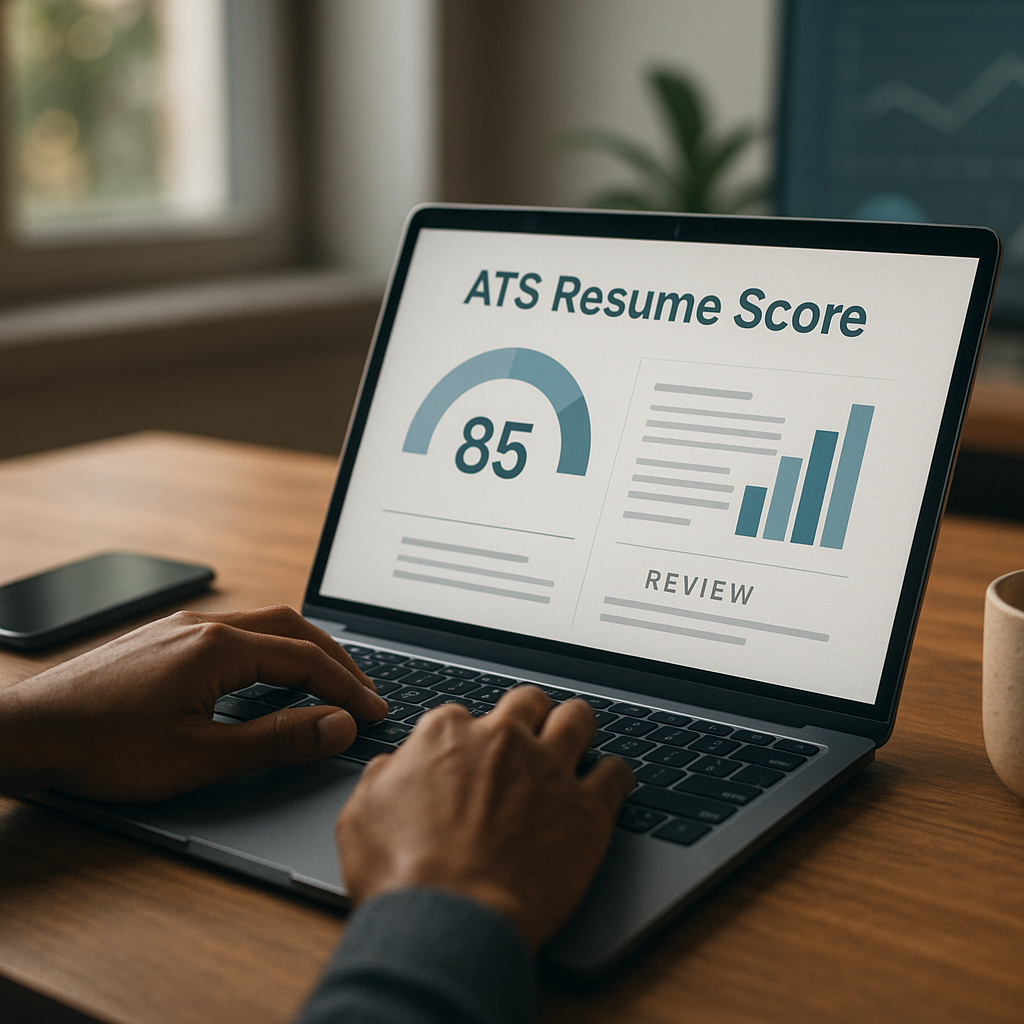
Step 2: Use an ATS scoring check before you submit
In 2026, ATS alignment still matters for first-pass screens. Don’t chase 100%, but do ensure:
- the role title match is reasonable
- key skills appear naturally in context
- dates and formatting are ATS-readable (simple headings, no weird tables)
Apply4Me’s ATS scoring + application insights can speed this up by showing where your resume is misaligned—and what changes tend to improve response rates—before you apply.
Step 3: Create a “no-duplicate” gate
Before any submission, check:
- Have I applied to this company in the last 30–60 days?
- Is this the same role reposted?
- Is there a requisition ID that matches something in my tracker?
Practical rule: if you already applied to the same req ID, don’t reapply unless you have a major change (referral, updated portfolio, new credential).
Step 4: Tailor with AI in 7 minutes, not 45
A fast, safe tailoring sequence:
1. Paste job description into AI
2. Ask for top 6 skills + top 3 deliverables implied
3. Update resume summary + 2–4 bullets to match
4. Draft a 150–250 word cover letter (optional if not required)
5. Manually edit for specificity, tone, and truthfulness
Cover letter prompt (copy/paste):
“Write a 180–220 word cover letter for this job. Use a professional, direct tone. Reference 2 specific accomplishments from my resume and 2 requirements from the job post. Avoid clichés and generic enthusiasm. End with a short, confident closing.”
Step 5: Apply in controlled batches (with timing variation)
Instead of 30 applications in an hour, do:
- 3 applications
- 10–25 minute break (research company / prep next resume)
- 3 applications
- longer break
- repeat
This reduces “bot-like” behavior and improves decision quality.
Step 6: Track outcomes and let AI optimize your funnel
Most job seekers don’t get banned—they just get ignored because they don’t measure what works.
Track:
- applications/week
- interview rate per role type
- which resume version performed best
- which job boards yield interviews
- time-to-first-response
Then use AI to spot patterns:
- “Which keywords appear in jobs where I got interviews?”
- “Which resume bullets correlate with callbacks?”
- “What roles am I applying to where I’m consistently underqualified?”
Tool comparison: safer AI-assisted applying (not spam automation)
Below is an honest comparison of common tool categories in 2026. The safest approach is typically AI assistance + tracking + controlled apply, not full-speed bots.
| Tool type | What it helps with | Ban risk | Pros | Cons | Best use case |
|---|---|---:|---|---|---|
| Resume/cover letter AI (assistive) | Tailoring docs, summarizing job posts | Low | Fast personalization; improves relevance | Can sound generic; needs human edits | 5–15 high-fit applications/week |
| Browser autofill / password manager | Filling repeated fields | Medium | Saves time; low “bot” behavior if manual | Can insert wrong data; still can enable over-applying | Company ATS applications |
| Spreadsheet tracker | Dedupe + status tracking | Low | Simple; full control | Manual upkeep; easy to miss duplicates | Any job search, especially multi-platform |
| Full auto-apply bots (headless/rapid submit) | Mass submissions | High | High volume | Highest restriction risk; low quality; duplicates | Generally not recommended |
| Apply4Me (mobile + web) | Auto-apply with guardrails, job tracker, ATS scoring, application insights, career path planning, interview prep | Low–Medium (when used with limits) | Designed for quality-first workflows; reduces duplicates; shows what’s working | Still requires strategy + accurate inputs; not a magic button | People applying consistently who want speed + control |
Verdict: If your priority is ai apply to jobs without getting banned, avoid high-speed headless bots. Use AI to tailor materials, use a tracker to prevent duplicates, and apply in measured batches. Tools like Apply4Me are most useful when they help you keep quality + visibility (what you applied to, how aligned you are, and what to do next), rather than just inflating volume.
The “Safe Auto-Apply” checklist (print this)
Use this checklist before increasing volume or turning on any automation features:
- [ ] Daily apply limit set (start low; scale gradually)
- [ ] No VPN hopping or frequent device/IP changes
- [ ] Job tracker is up to date (company + role + date + link + req ID)
- [ ] Dedupe step exists (search tracker before applying)
- [ ] Each application uses a role-aligned resume version
- [ ] Cover letter is unique when required (or a short tailored note)
- [ ] Timing is varied; breaks included
- [ ] You’re applying to roles you reasonably qualify for (60–80% match)
- [ ] You follow up with networking (1–3 messages/day, personalized)
Common mistakes that trigger restrictions (and how to fix them fast)
Mistake: You applied to 80 roles in a day and got “suspicious activity”
Fix: Stop applying for 48–72 hours, change your password, enable MFA, and resume at 10–20/day with breaks. Remove any browser automation extensions that click/submit forms automatically.
Mistake: You keep seeing the same company and reapplying
Fix: Track requisition IDs and add a “cooldown” rule: don’t reapply to the same company for 30 days unless it’s a materially different role or you have a referral.
Mistake: Your AI cover letters read like templates
Fix: Force specificity: one metric, one tool stack, one company-specific reference. Keep it under 220 words.
Mistake: You’re optimizing for ATS but not for humans
Fix: Keep keywords, but prioritize impact bullets: “What changed because of your work?” Hiring managers respond to outcomes.
Conclusion: speed up applications without risking your accounts
AI can absolutely help you move faster in 2026—but the safest way to ai apply to jobs without getting banned is a quality-first system: controlled daily limits, no duplicates, human-realistic pacing, tailored materials, and consistent tracking. That approach not only keeps your accounts safe, it usually increases interview rates because your applications become more relevant and more credible.
Try Apply4Me free to quickly track applications, avoid duplicates, score your resume against ATS requirements, and streamline a safe auto-apply workflow in minutes.
Frequently Asked Questions
Is it illegal to use AI to apply for jobs?
Generally, no. What matters is whether your method violates a platform’s terms of service or misrepresents your qualifications. Use AI to draft and tailor truthful materials, and avoid automation that submits applications in abusive or deceptive ways.
Can LinkedIn ban you for using auto-apply tools?
LinkedIn can restrict accounts for suspicious activity patterns like rapid repeated actions, automation-like behavior, or unusual login activity. If you keep volume modest, vary timing, and avoid headless automation, your risk is significantly lower.
What’s a safe number of AI-assisted applications per day in 2026?
Many job seekers do well with 10–25 Easy Apply submissions per day (spread out) and 5–15 company-site applications. Start conservative, track outcomes, and scale only if you’re maintaining quality and not seeing platform warnings.
How do I avoid accidentally applying twice to the same job?
Track company, role, and requisition ID in a job tracker and search it before every submission. Duplicate prevention is one of the biggest “silent” safeguards against restrictions and also prevents awkward recruiter interactions.

Jorge Lameira
Author