ATS audit trail: prove you applied (2026)
If an application “disappears” or a recruiter says they never received it, an ATS audit trail can save you. This guide shows how to build an ATS audit trail prove you applied using confirmations, timestamps, and tracker records—so you can follow up confidently and spot submission failures fast.

If you’ve ever followed up on a job application and heard, “We don’t see your submission,” you know how powerless it feels. In 2026, with more candidates applying faster (often across multiple portals, one-click flows, and AI-assisted screening), applications still “disappear” due to submission errors, ATS sync failures, or mismatched profiles. The fix is building an ATS audit trail prove you applied—a simple, repeatable set of proof points (confirmations, timestamps, and tracker records) you can produce in seconds.
This guide shows exactly how to create an ats audit trail prove you applied that’s credible, easy to maintain, and strong enough to support confident follow-ups (or even escalate when needed) without sounding defensive.
What is an ATS audit trail—and why does it matter in 2026?
An ATS audit trail is a documented chain of evidence that shows:
- What role you applied to (job title + requisition ID)
- Where you applied (company career site, LinkedIn Easy Apply, agency portal, etc.)
- When you applied (timestamp + time zone)
- How you applied (method, account used, and submission path)
- What happened next (confirmation message, email receipt, status changes)
Why it matters more in 2026:
- More system handoffs: Many companies use an ATS plus separate tools for assessments, background checks, interview scheduling, and CRM. Sync issues happen.
- More “auto-rejection” workflows: If your application doesn’t fully submit (or fails a required field), you may never enter the review queue.
- More impersonation and fraud controls: Some employers verify applications more strictly; having proof helps resolve confusion quickly.
- Higher volume recruiting: Recruiters rely on ATS records. If your submission isn’t in the system, it’s effectively invisible—unless you can help them trace it.
A good audit trail doesn’t guarantee you’ll be considered—but it does help you:
- spot submission failures fast, 2) follow up with clarity, and 3) avoid wasting weeks on a broken application.
ATS audit trail prove you applied: what evidence actually counts?
Not all “proof” is equally helpful. Recruiters are most persuaded by evidence that matches how their ATS logs events.
Strong evidence (best)
Use a combination of these whenever possible:
- Confirmation email (with job title, requisition ID, and timestamp)
- Submission confirmation page screenshot (showing “Application received” + date/time)
- Candidate portal status page screenshot (e.g., “Submitted,” “Under Review,” “In Process”)
- Unique application ID (often in the URL, confirmation page, or email subject/body)
- Calendar entry + browser history record (secondary support)
Medium evidence (helpful)
- PDF copy of your submitted application (some portals offer “Download application”)
- Assessment invitation email (proves your record was created)
- Text message confirmations (some employers use SMS for verification)
Weak evidence (last resort)
- “I remember applying” (not verifiable)
- A screenshot of the job posting (proves interest, not submission)
- A copy of your resume file (proves preparation, not application)
The goal is a tidy, credible package: a few pieces that clearly align—same job, same time window, same identity.
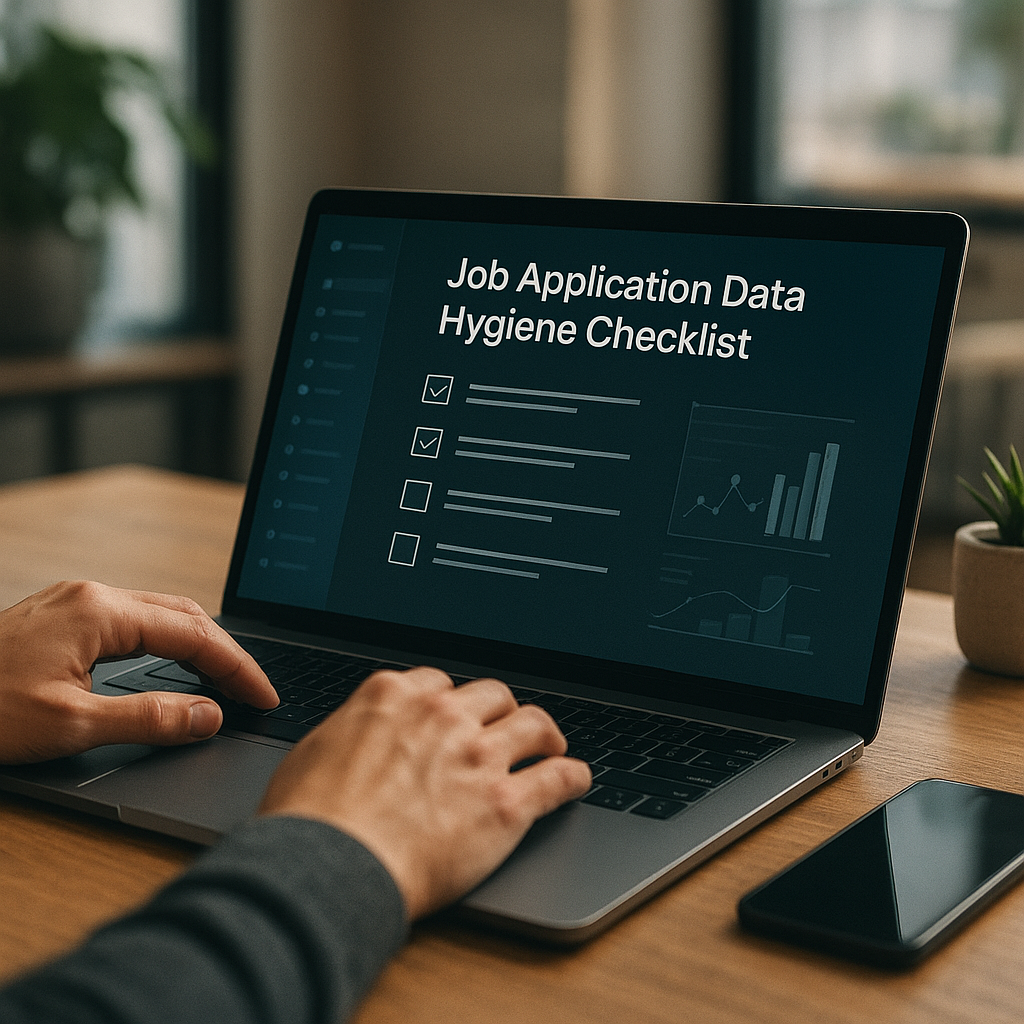
How to build a reliable ATS audit trail (step-by-step checklist)
This is the exact workflow to follow every time you apply. It takes 2–4 minutes if you do it as part of your routine.
Step 1: Capture the job’s “identity” before you hit submit
Before you click Submit, record:
- Company name
- Job title
- Location (or “Remote”)
- Requisition ID / Job ID (often near the title or in the URL)
- Posting URL (copy/paste)
- Source (company site, LinkedIn, Indeed, referral link, recruiter email)
Pro tip (2026 reality): Many job links expire or redirect after roles close. Saving the Job ID and a screenshot of the top section of the posting prevents “link rot” from breaking your records.
Step 2: Screenshot the confirmation page (with timestamp)
After you submit:
- Take a screenshot of the “Application received” page.
- Make sure the screenshot includes:
- Job title or Job ID
- Company name
- The “success” message
- A visible timestamp if possible
How to add a timestamp if the page doesn’t show one:
- On Windows: turn on the clock in the taskbar and capture it in the screenshot.
- On Mac: capture the page with the menu bar clock visible.
- On mobile: the status bar time is usually visible by default.
Step 3: Save the confirmation email (and don’t rely on your inbox alone)
When the email arrives:
- Create a folder/label like:
Job Apps – Receipts - Save as PDF (most email clients allow “Print → Save as PDF”)
- If the email includes an Application ID, highlight it in your notes
If no email arrives within 30 minutes, treat that as a potential submission failure (or spam filtering issue) and move to the “failure diagnostics” section below.
Step 4: Log it immediately in a job application tracker (with proof links)
Your tracker should include:
- Date applied (and time zone)
- Job title + Job ID
- Link to posting
- Method (portal / Easy Apply / email / recruiter link)
- Confirmation received? (Y/N)
- Proof attached (screenshot, PDF email)
- Next follow-up date (typically 5–7 business days unless the posting says otherwise)
A tracker is where your ats audit trail prove you applied becomes usable—because you can pull it up instantly during follow-ups.
Step 5: Re-check your candidate portal status after 24–48 hours
Many systems update status after overnight syncs. Log any status changes like:
- “Submitted”
- “Under Review”
- “Not Selected”
- “Incomplete”
- “Action Required” (assessment or profile missing fields)
If you see Incomplete, don’t wait—fix it and resubmit if possible.
Submission failures: how to spot them fast (and what to do next)
The sooner you catch a broken application, the better your chance of actually being reviewed.
Common submission failure signals
- No confirmation page (you get redirected back to the job listing)
- No confirmation email after 30–60 minutes (check spam and promotions tabs)
- Portal shows “Draft” or “Incomplete”
- You can’t find the application in your candidate profile history
- Required assessment link never arrives
Quick diagnostics (10-minute audit)
- Check spam/junk and search your inbox for company name + “application”
- Log into the candidate portal and look for:
- Submitted applications list
- Drafts / incomplete items
- Try a different browser (some portals fail on mobile or certain privacy settings)
- Disable ad blockers / strict tracking protection for that submission
- Look for required steps: e-signature, questionnaire, assessment, email verification
If you discover it didn’t submit, reapply immediately (if allowed) and document both attempts in your tracker.
Tools to maintain your ATS audit trail (tracker options compared)
You can build an audit trail with a spreadsheet, a notes app, or a dedicated tool. The best choice is the one you’ll actually keep updated.
Feature comparison: trackers and audit-trail support (2026)
Option | Best for | Audit-trail strength | Pros | Cons |
|---|---|---|---|---|
Spreadsheet (Google Sheets/Excel) | DIY control | Medium–High (if disciplined) | Custom fields, easy sorting, free | Manual uploads, easy to fall behind |
Notion/Airtable | Power users | High | Attach files, create workflows, templates | Setup time, can get complex |
Email folder + calendar | Minimalists | Low–Medium | Fast, no new tool | Hard to search across roles, weak follow-up system |
Apply4Me (mobile + web) | Job seekers applying frequently | High | Job tracker, ATS scoring, application insights, auto-apply, career path planning, interview prep | Less customizable than a spreadsheet for some fields; depends on keeping it as your single source of truth |
Honest verdict
If you apply to 5–10 roles per month, a spreadsheet plus saved receipts is often enough—if you’re consistent. If you apply to dozens of roles (common in competitive 2026 markets), a dedicated tracker that centralizes confirmations, statuses, and insights reduces missed follow-ups and makes your proof easy to retrieve.
A practical middle ground: use your preferred method—but standardize your fields and always attach proof (screenshots/PDFs). Consistency is what makes the audit trail credible.
How Apply4Me helps you prove you applied (without extra admin work)
An audit trail falls apart when you’re tired, busy, or applying at volume. This is where a dedicated platform can make the “proof” automatic and searchable.
Apply4Me is built for the parts job seekers usually struggle to maintain:
- Job tracker that keeps your applications organized (title, company, status, follow-ups)
- ATS scoring to improve your chances before you submit (and reduce wasted submissions)
- Application insights that show patterns (which resume version performs better, where drop-offs happen)
- Auto-apply for compatible roles—helpful when you’re applying at scale while still maintaining organization
- Mobile + web app so you can capture confirmations and notes immediately
- Career path planning + interview prep to connect your application history to next steps (instead of “apply and forget”)
Mid-process, the value is simple: your evidence and timeline live in one place, so when someone says “we don’t have it,” you can respond with specifics (Job ID, date/time, method) rather than rummaging through screenshots.
Follow-up scripts that use your audit trail (without sounding accusatory)
Your goal is to be easy to help. Provide just enough detail for the recruiter to locate the record.
Script 1: “Just checking status” (5–7 business days after applying)
Subject: Follow-up on application — [Job Title], Req #[12345]
Hi [Name/Team],
I applied for the [Job Title] (Req #[12345]) on [Date, Time Zone] via [career site/portal] and wanted to confirm it came through on your end. If helpful, I can forward the submission confirmation.
Thanks for your time,
[Name] | [Phone] | [LinkedIn]
Script 2: “Recruiter can’t find it” (use your proof calmly)
Subject: Re: Application not showing — [Job Title], Req #[12345]
Hi [Name],
Thanks for checking. I submitted the application on [Date, Time Zone] and received a confirmation [email/screen] with Application ID [ABC123]. I’ve attached/forwarded it here—could you confirm whether it’s visible in your ATS or if I should reapply?
Best,
[Name]
Script 3: “Submission failure suspected” (ask for the right link)
Subject: Quick question — best link to apply for Req #[12345]?
Hi [Name/Team],
I attempted to apply for Req #[12345] on [date], but I didn’t receive a confirmation email and my candidate portal isn’t showing a completed submission. Could you share the preferred application link (or confirm whether you see any record under [email])?
Thank you,
[Name]
These messages work because they’re specific, non-confrontational, and designed to help the recruiter troubleshoot quickly.
Advanced (but easy) audit-trail upgrades most candidates don’t do
If you want your ats audit trail prove you applied to be rock-solid—especially for high-stakes roles—add these upgrades.
1) Use consistent identity data across portals
Mismatched data can cause duplicate profiles or “missing” applications:
- Same email
- Same phone format (include country code consistently)
- Same name spelling (avoid swapping middle initials on/off)
2) Save a “submission bundle” per role
Create a folder per application (cloud drive is fine) containing:
- Screenshot of posting header (title + ID)
- Confirmation page screenshot
- Confirmation email PDF
- Resume version used
- Cover letter version (if applicable)
Name it like:
Company – JobTitle – Req12345 – 2026-10-12
3) Track which resume version you used (and why)
In 2026, many job seekers maintain multiple tailored resumes. Log:
- File name (e.g.,
Resume_ProductOps_v3.pdf) - Keywords added (e.g., “SQL”, “stakeholder management”, “OKRs”)
- Any ATS score or match notes (if your tool provides it)
This becomes invaluable when you’re asked later, “Which role did you use that resume for?” or when you want to replicate what worked.
4) Add a “next action” date to every application
Audit trails aren’t just about proof—they’re about momentum. Your tracker should always tell you:
- When you will follow up next
- What you’re waiting on (assessment, referral, recruiter response)
- Whether to reapply (if role reposts with a new Req ID)
Conclusion: build your proof once—then follow up with confidence
Most job seekers lose time because they can’t verify what happened after clicking “Submit.” A simple audit trail—confirmation, timestamp, Job ID, and a tracker record—turns a frustrating “maybe” into a clear next step. And when an application truly disappears, you’re no longer guessing; you’re troubleshooting with evidence.
Try Apply4Me free to keep your applications organized with a built-in job tracker and application insights—so you can pull up proof fast, follow up confidently, and stop losing opportunities to silent submission failures.
Frequently Asked Questions
How do I prove I applied if I never got a confirmation email?
Use a screenshot of the confirmation page, your candidate portal status page (showing “Submitted”), and a tracker entry with the date/time and Job ID. If you don’t have any of those, log in to the portal and check “My Applications” history; if it’s not there, reapply and document the new submission.
What should I include in an ATS audit trail?
At minimum: company, job title, requisition/job ID, application date/time (time zone), application method, and a saved confirmation (email PDF or screenshot). Bonus items like application ID, resume version used, and portal status updates make follow-ups much easier.
Can recruiters see my proof and “find” my application in their ATS?
Often, yes—especially if your proof includes the requisition ID and application ID, plus the email/phone used. Recruiters can search by candidate email, job req, or application ID; your audit trail gives them the exact keys to locate the record (or confirm a system failure).
Is it okay to reapply if the recruiter can’t find my application?
If the employer’s portal doesn’t show a completed submission and you have no confirmation, reapplying is usually appropriate—preferably using the same email/identity details. In your follow-up note, mention you resubmitted and include the new timestamp to reduce confusion about duplicates.

Jorge Lameira
Author