AI auto apply failure rate: why apps miss submissions
Wondering if your applications are actually being submitted? This guide breaks down AI auto apply failure rate causes (form errors, ATS redirects, login blocks, and CAPTCHA), how to spot silent failures, and what to do to keep your pipeline real—not imaginary.
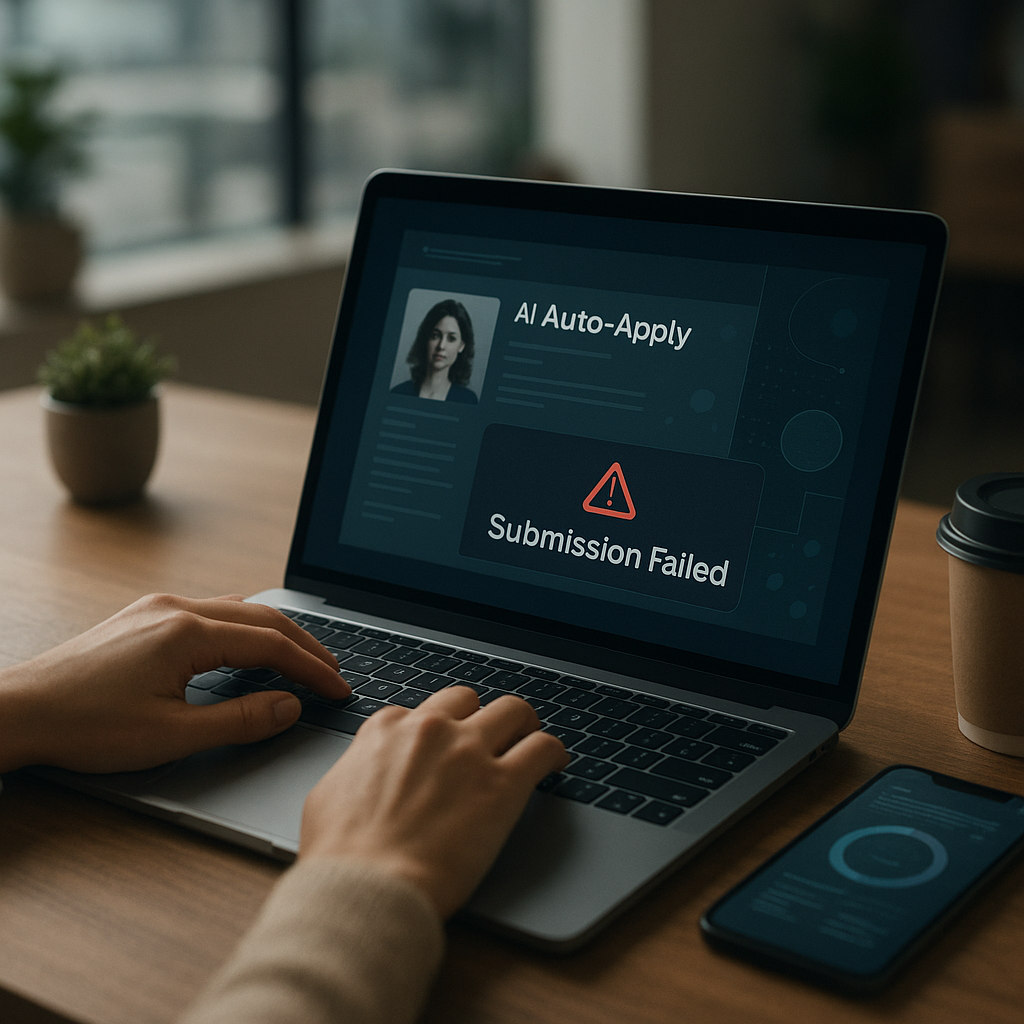
Wondering if your applications are actually being submitted—or just looking like they were? In 2026, the AI auto apply failure rate is one of the most overlooked reasons qualified candidates “apply to 100 jobs” and still get zero replies. Auto-apply tools can save hours, but they can also silently fail when a form breaks, an ATS redirects mid-flow, a login expires, or a CAPTCHA blocks submission.
This guide explains why submissions get missed, how to detect “ghost applications,” and how to build a pipeline you can trust.
What is AI auto apply failure rate (and what’s considered “normal” in 2026)?
AI auto apply failure rate is the percentage of attempted applications that do not result in a completed, received submission by the employer (or their ATS), even if the tool shows “applied” or “in progress.”
In practice, failures cluster into three buckets:
- Hard failures: The submission never completes (blocked, error, timeout).
- Soft failures: It “submits,” but the ATS doesn’t actually record it (redirect loop, session mismatch, missing required fields).
- Quality failures: It submits, but key fields/documents are wrong (wrong CV version, missing portfolio link), reducing ATS match and response rates.
What’s “normal”? It depends on where you apply.
- 1-click platforms (where the platform owns the workflow end-to-end) tend to have lower submission failure.
- External ATS sites (Workday, Greenhouse, iCIMS, Lever, Taleo variants, custom ATS) are where failure spikes—especially on mobile, with multi-step forms, or when login/authentication is required.
The key takeaway: if you’re not verifying submission receipts and tracking outcomes, your “apply volume” may be inflated.
Why do auto-apply apps miss submissions? (The 9 most common causes)
Below are the most frequent root causes behind a high AI auto apply failure rate—based on how modern ATS flows and anti-bot controls work in 2026.
1) Dynamic forms that change after the AI starts filling them
Many ATS forms now render fields conditionally:
- “Do you need sponsorship?” → triggers more required fields
- Location choice → triggers “eligible to work in X?”
- Selecting “Yes” to a compliance question → adds a disclosure page
If the tool doesn’t re-check required fields at each step, you get:
- missing required answers
- submit button disabled
- error banner that the system doesn’t detect
What it looks like: “Application submitted” in your tool, but no confirmation page, no receipt email, and the employer portal shows nothing.
2) ATS redirects and session resets (the “invisible restart”)
ATS platforms often use short-lived session tokens. If the token expires—or the user is redirected to a different domain—your partially filled application can reset.
Common triggers:
- Opening the job in a new tab mid-flow
- Cookie restrictions / privacy settings
- Switching from mobile to desktop mid-application
- ATS “security step-up” after form completion
What it looks like: You’re dropped back to the job description or login page, but the tool marks it complete.
3) Login blocks (employer accounts required)
A lot of employers now require an account before applying, and some require:
- email verification
- magic link login
- two-step authentication
- “confirm your location” prompts
Auto-apply systems can’t always complete these reliably—especially if verification happens in your inbox or via SMS.
What it looks like: The application stalls at “Create account” or “Verify email” and never progresses.
4) CAPTCHA and bot detection (increasingly aggressive)
CAPTCHA isn’t just the “select the traffic lights” box anymore. In 2026, many ATS and employer sites use behavior-based bot detection:
- mouse movement / scroll patterns
- timing checks (filling too fast)
- device fingerprinting
- headless browser detection
Some CAPTCHAs only appear after you hit submit—so the tool fills everything perfectly, then fails at the last second.
What it looks like: The tool retries, loops, or times out; you never see a confirmation page.
5) Required attachments that don’t upload correctly
Upload components vary widely:
- drag-and-drop widgets
- cloud pickers (Drive/Dropbox)
- file type restrictions
- size limits
A tool might “attach” a document in its interface without the ATS actually receiving it.
What it looks like: Confirmation page shows “Resume: None” or the profile portal shows missing documents.
6) Parsing errors: the ATS misreads your CV and breaks validation
If the ATS parser misreads your phone number, address, or dates, it can fail validation—even if the form looks complete.
High-risk CV formatting patterns:
- text boxes from design tools
- multi-column resumes
- icons used as labels
- headers/footers containing contact details
What it looks like: Red error text like “Invalid phone number format” or “Start date required,” often near fields you didn’t touch.
7) Knockout questions that stop the workflow
Some employers configure “disqualifier” questions (availability, location, license, salary requirements). If an answer disqualifies you, the system may:
- end the application early
- show a polite “not moving forward” page
- record you as not eligible (no “submission” created)
What it looks like: You think you applied, but you were screened out before completion.
8) Duplicate detection and “already applied” blocks
If you previously applied (even months ago), the ATS may block a new submission. Some systems show a banner; others quietly prevent the final step.
What it looks like: The tool says applied, but the employer portal shows your old application only.
9) Rate limiting and throttling (especially with burst applying)
When many applications are attempted quickly—particularly to the same ATS vendor—systems may throttle traffic.
What it looks like: random timeouts, “Something went wrong,” or endless spinners during submit.
How to spot silent failures (before you waste a week)
If you want to reduce your AI auto apply failure rate, you need a verification routine that doesn’t rely on “Applied” badges alone.
The 5 signals a submission actually completed
Use these as your checklist:
1. Confirmation page
Look for a page that explicitly says “Application submitted” and includes a reference number or “Thank you” message tied to the employer.
2. Receipt email (within minutes to a few hours)
Many ATS send an automated confirmation. No email doesn’t always mean failure—but it’s a yellow flag.
3. Employer/ATS profile update
If you can log into the employer portal, confirm the application appears with the correct job title and date.
4. Document presence
Verify that resume/cover letter show as attached (not blank, not the wrong file).
5. Application tracker consistency
Your tracker should store: job link, company, role, date/time, resume version, cover letter version, and submission outcome.
Fast “pipeline audit” (10 minutes, once a week)
Pick 10 recent auto-applies and validate:
- 3 via confirmation email search (company name + “thank you for applying”)
- 3 via ATS portal logins (if you have accounts)
- 4 via tracker evidence (reference ID, screenshot, or logged confirmation)
If 3+ look questionable, your failure rate is likely high enough to fix your workflow immediately.
Reducing AI auto apply failure rate: a 2026-proof workflow that works
You don’t need to abandon automation—you need guardrails.
Step 1: Split your strategy by application type
Treat applications differently depending on the submission path:
- Easy Apply / platform-native applications
Good for volume and testing markets.
- External ATS applications (Workday/Greenhouse/iCIMS/Lever, etc.)
Prioritize accuracy and verification over speed.
Rule of thumb:
Use automation for discovery + drafting + prefill, but add a review step when the application leaves the platform.
Step 2: Create two resume versions (ATS-safe + tailored)
To prevent parsing and validation errors, keep an ATS-safe baseline resume:
- single column
- no icons, tables, or text boxes
- standard headings (“Experience,” “Education,” “Skills”)
- dates formatted consistently (e.g., Jan 2023 – May 2026)
Then tailor content (keywords, summary, bullets) per role.
Step 3: Standardize answers to common knockout questions
Keep a “default answers” note you can paste quickly:
- work authorization
- relocation
- notice period
- salary range (a realistic band)
- willingness to commute/hybrid
- certifications/license numbers
This reduces inconsistent answers that can trigger disqualification or form validation errors.
Step 4: Slow down your bursts (yes, really)
Bot detection is sensitive to speed patterns. Instead of 30 attempts in 5 minutes:
- apply in smaller batches (e.g., 5–10)
- mix domains/vendors
- avoid repeated retries on the same job page
Step 5: Add proof to your tracking
The biggest fix for “imaginary pipeline” is evidence.
Track at least:
- submission status (attempted / submitted / needs review / blocked)
- date/time
- job URL
- resume + cover letter version used
- confirmation ID or screenshot/receipt email
How Apply4Me helps prevent missed submissions (without pretending automation is flawless)
Most auto-apply tools focus on speed. The real problem in 2026 is trust: knowing which applications actually went through.
Apply4Me is designed around that reality with a workflow that emphasizes visibility and control:
- Auto-Apply that matches jobs to your profile and preferences (reducing misaligned attempts that trigger knockout failures).
- CV tailoring per matched job to improve ATS alignment (helpful when you do get through and want higher response).
- Tailored cover letter generation per application so you’re not submitting generic text that gets filtered.
- Optional review-before-send so you can intervene when you hit the “high-failure” zones (logins, CAPTCHAs, multi-step ATS flows).
- Job tracking for every auto-applied job so nothing is duplicated or lost—critical for diagnosing a high AI auto apply failure rate.
- ATS scoring + application insights/analytics to help you distinguish “submitted but weak” from “not submitted.”
- Mobile + web continuity so if an ATS blocks a submission on mobile, you can continue on web (or vice versa) without losing your progress and tracker history.
- Interview Assistant that generates likely questions for the role/company and helps you practice—so once submissions are real, you’re ready for callbacks.
- Career path planning to focus your targeting and reduce wasted applications that fail at knockout screens.
Soft mention aside: even with great tooling, you should still use the verification steps below—because ATS behavior changes constantly across employers.
Comparison: what to look for in auto-apply tools (so you don’t inflate your “applied” count)
When choosing an auto-apply solution, evaluate it on reliability + transparency, not just “number of applications sent.”
| What matters for missed submissions | Why it affects failure rate | What “good” looks like | Tradeoff |
|---|---|---|---|
| Submission tracking / job log | Lets you audit what happened | Clear history per job + status | Requires setup discipline |
| Review-before-send option | Prevents login/CAPTCHA dead-ends | User can approve/finish hard steps | Slightly slower |
| CV tailoring + cover letters | Improves ATS pass rate after submission | Role-specific edits + consistent formatting | Needs quality controls |
| Cross-device continuity (mobile + web) | ATS flows often break on one device | Seamless handoff without losing the application | More complex platform |
| Analytics / insights | Helps diagnose problems systematically | Drop-off reasons, performance trends | Only useful if accurate |
Honest verdict:
If a tool can’t show you what was submitted, where it failed, and what version was used, it can create a false sense of progress. Prioritize tools that make verification easy—even if that reduces pure speed.
Quick fixes for the top failure scenarios (copy/paste troubleshooting)
If you suspect CAPTCHA failures
- Try applying from a different device/browser you regularly use (your “normal” fingerprint).
- Avoid VPNs or frequent IP changes during application bursts.
- Use review-before-send for external ATS links so you can complete the CAPTCHA manually.
If Workday-style flows keep looping
- Log in first (separately) and keep the tab open.
- Save your Workday profile fields (education, work history) to reduce parsing dependence.
- Apply in one session; don’t pause mid-form for long periods.
If attachments keep disappearing
- Use PDF for resumes unless the role requests DOCX.
- Keep filenames simple: FirstLast_Resume.pdf
- Stay under common limits (aim < 2MB per file).
- After submission, confirm the attachments listed on the confirmation page.
If you keep getting “already applied”
- Check the employer portal for your prior submission.
- Apply to a different requisition ID (same title can exist under multiple reqs).
- Update your resume and use the portal’s “update application” feature when available.
Step-by-step: lower your AI auto apply failure rate in 7 days
Day 1: Establish your baseline
- Audit 20 recent applications.
- Count confirmed submissions vs “attempted.”
- Your baseline failure rate = (attempted - confirmed) / attempted.
Day 2: Fix your resume formatting for ATS parsing
- Convert to single-column.
- Remove icons/text boxes.
- Standardize dates and headings.
Day 3: Build your knockout answer bank
- Work authorization, location, salary band, availability.
- Decide your “non-negotiables” so answers stay consistent.
Day 4: Add verification fields to your tracker
- Add columns: confirmation ID, receipt email (Y/N), portal check (Y/N), attachments verified (Y/N).
Day 5: Switch to batch applying with review gates
- Apply in batches of 5–10.
- Use review-before-send for external ATS.
- Stop retry loops; revisit later.
Day 6: Target higher-signal roles
- Filter jobs posted in the last 7–14 days.
- Prefer roles with clear requirements you meet (reduces knockout stops).
- Apply to fewer, better-matched roles with stronger tailoring.
Day 7: Measure again + adjust
- Re-audit 20 new applications.
- Compare failure rate to baseline.
- Identify the top two failure sources and change your process around them.
Conclusion: make your application pipeline real (not imaginary)
Auto-apply can be a force multiplier, but only if you can trust what’s actually getting submitted. By verifying confirmations, tightening your ATS-safe documents, slowing down bot-triggering bursts, and tracking proof of submission, you’ll cut your AI auto apply failure rate and stop wasting time on “ghost applications.”
Try Apply4Me free to auto-match roles, tailor your CV and cover letter per job, and keep every application tracked and synced across mobile + web—so you can move faster without losing visibility.
Frequently Asked Questions
What is a good AI auto apply failure rate?
For platform-native “easy apply” flows, failure tends to be low. For external ATS applications, a noticeable failure rate is common—so you should measure your own baseline by verifying confirmations and portal records instead of guessing.
Why do auto-applied jobs show “applied” but I never get confirmation emails?
Some employers don’t send receipts, but missing confirmation often indicates a silent failure like a redirect loop, session timeout, login block, or CAPTCHA. Confirm via the employer portal or by checking for a confirmation page/reference ID.
Can ATS detect auto-apply and block my application?
Many ATS and employer sites use bot detection (including CAPTCHAs and behavior-based checks) that can interrupt automated flows. The safest approach is using review-before-send for external ATS steps and applying in smaller batches to avoid triggering rate limits.
How do I prove my application was actually submitted?
Look for at least one of: a confirmation page with reference number, a receipt email, the application listed in the employer portal, or verified attachments on the submission confirmation. If none exist, treat it as “attempted” and re-apply manually or with a review step.

Jorge Lameira
Author