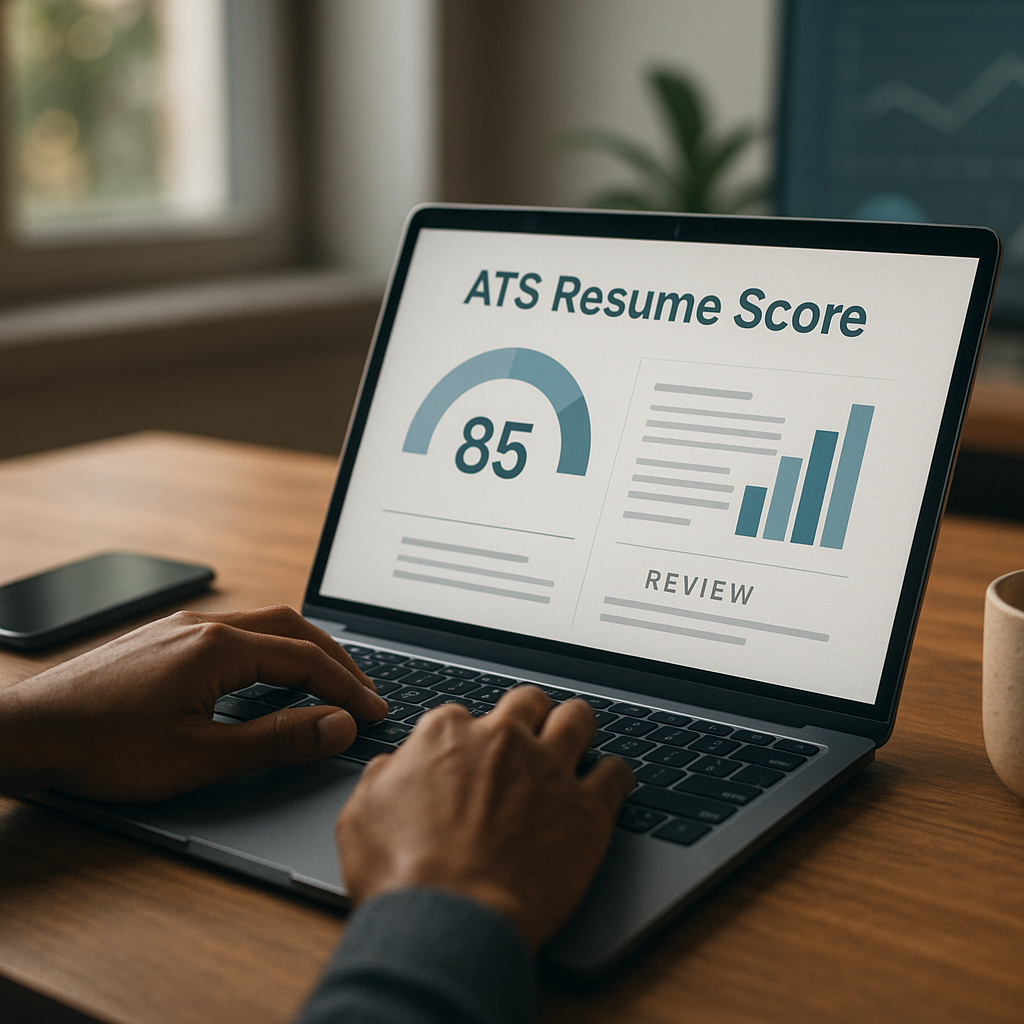
ATS score check free: what it means & how to fix it
Searching for an ats score check free tool? Learn what your ATS score actually measures, the most common reasons it drops, and the fastest fixes to improve your match rate before you apply.
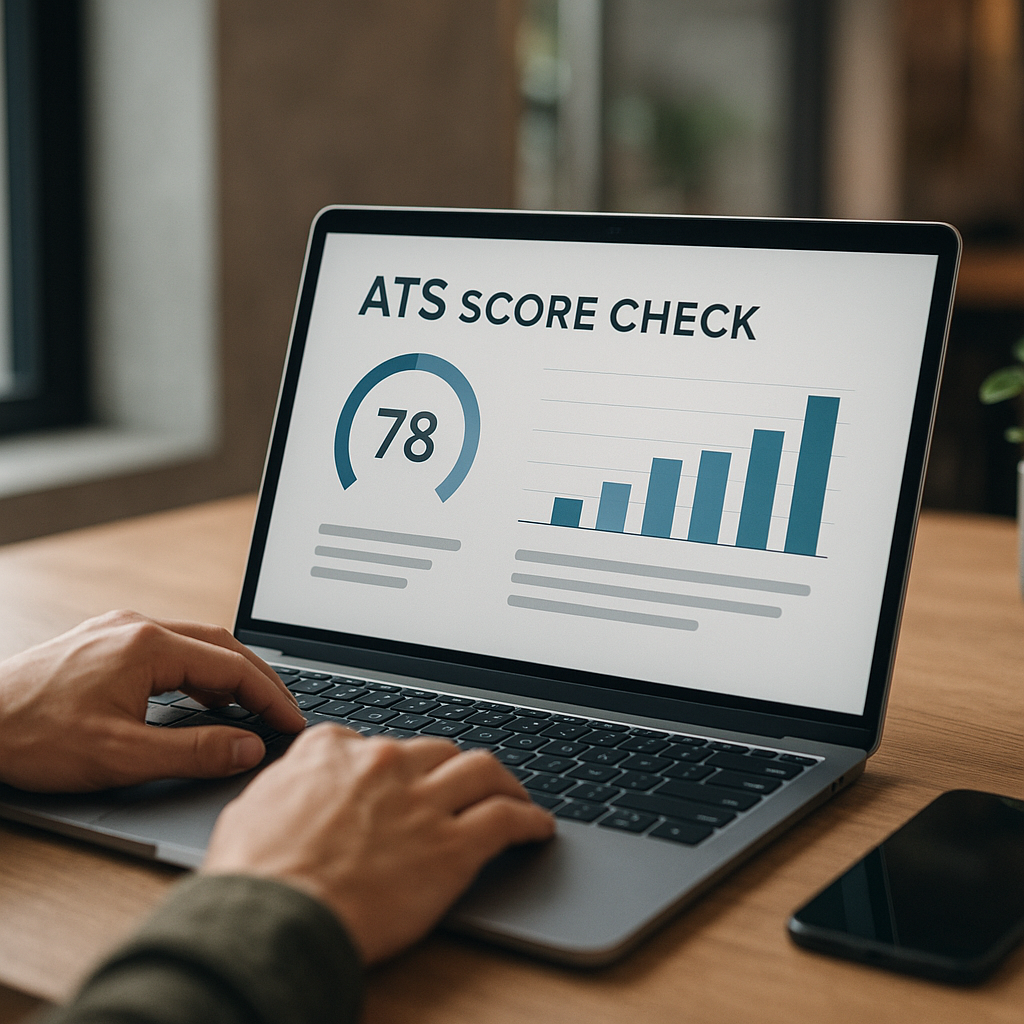
Searching for an ats score check free tool usually means one thing: you’re tired of sending applications into a black hole. You’re not alone—most job seekers in 2026 apply to dozens of roles, only to hear nothing back, because their resume doesn’t match what the hiring system is filtering for.
Here’s the good news: an ATS score isn’t mysterious, and it’s not a judgment of your worth. It’s a match score based on signals you can control. In this guide, you’ll learn what an ATS score actually measures, why it drops, and the fastest fixes to raise your match rate before you apply.
What an ATS score actually measures (and what it doesn’t)
An ATS (Applicant Tracking System) score—sometimes called a resume match score—is typically an estimate of how closely your resume aligns with a job description. When you run an ATS scan, the tool usually checks some combination of:
- Keyword/skills match: hard skills (e.g., SQL, Jira, Excel), tools, certifications, role-specific terms
- Title and responsibility alignment: whether your experience mirrors the job’s core duties
- Recency and frequency: whether key skills appear recently and more than once (without stuffing)
- Formatting readability: whether your resume can be parsed correctly (clean headings, simple structure)
- Basic requirements signals: location, work authorization, seniority level, required certs/degree (when stated)
What it usually doesn’t measure reliably:
- Your actual ability to do the job
- Leadership potential, communication, culture fit
- Portfolio quality (unless linked and reviewed by a human)
- Context behind your achievements
The reality in 2026: ATS is only step one
Many companies use a hybrid process: ATS parsing + recruiter review + screening questions + (increasingly) structured scorecards. So the goal of an ATS score check isn’t to “game the system”—it’s to ensure you’re not eliminated for preventable reasons.
ATS score check free: what you’re really getting from a scanner
When people search “ats score check free,” they often expect a definitive pass/fail. In practice, free checkers usually provide directional feedback:
- A percentage or grade (e.g., 65/100)
- Missing keywords/skills
- Formatting warnings
- Suggestions to rewrite sections
That’s still valuable—if you interpret it correctly.
How to interpret your ATS score (a practical benchmark)
Scores vary by tool, but these ranges are useful for decision-making:
- 80–100: Strong match. Apply if the role fits. Focus on clarity and proof (metrics).
- 65–79: Solid but improvable. You’ll often benefit from keyword and summary tweaks.
- 50–64: Risky. You’re likely missing core skills/terms or your resume isn’t tailored.
- Below 50: Usually a mismatch (or a formatting/parsing problem). Fix structure first.
Important: A “lower score” doesn’t always mean you’re unqualified—it can mean the scanner can’t read your resume.
The most common reasons your ATS score drops (and how to diagnose them fast)
Below are the issues that most often tank match scores—and the quickest ways to identify each.
1) Your resume uses the wrong version of the same skill
ATS tools are literal. If the job says “Google Sheets” and your resume says “Spreadsheets”, you might miss the match.
Fast diagnosis: Compare the job description’s “Requirements” section against your Skills + recent experience bullets. If a skill appears in the JD and not in your resume verbatim, you’re likely losing points.
Fix: Use both where appropriate:
- “Google Sheets (advanced spreadsheets, pivot tables)”
- “CRM: HubSpot (customer relationship management)”
2) You’re missing “must-have” keywords that aren’t actually skills
Many JDs include terms like:
- “cross-functional collaboration”
- “stakeholder management”
- “process improvement”
- “KPI reporting”
These are work outcomes and behaviors ATS scanners still count.
Fix: Add 1–2 bullets in your most recent role that mirror those outcomes, with proof:
- “Partnered cross-functionally with Product and Sales to reduce onboarding time by 22%.”
- “Built KPI dashboard for weekly stakeholder reporting across 3 teams.”
3) Your format breaks parsing (especially from design-heavy templates)
Common ATS parsing failures in 2026 still include:
- Two-column layouts
- Text inside tables
- Icons instead of text labels (phone/email)
- Headers/footers with important info
- Skill bars or graphics
Fast diagnosis: Copy/paste your resume into a plain-text editor. If it becomes chaotic (jumbled sections, missing dates), your ATS score may be artificially low.
Fix: Use a clean single-column format, standard headings (Experience, Skills, Education), and plain text.
4) You’re qualified—but your titles don’t match the market language
Example: your internal title is “Customer Hero” but the JD says “Customer Success Manager.”
Fix: Use a dual-title approach (honest and effective):
- Customer Success Manager (Customer Hero)
This improves match without misrepresenting.
5) You list skills—but don’t prove them in experience
Many scanners (and recruiters) weigh skills in context more than a standalone skills list.
Fix: For each key skill, add at least one bullet showing how you used it:
- Instead of: “SQL, Tableau”
- Add: “Used SQL and Tableau to analyze churn drivers; improved retention by 8% QoQ.”
How to fix your ATS score quickly (step-by-step) before you apply
This is the fastest workflow to improve your match rate without turning your resume into keyword soup.
Step 1: Build a “Top 12 keywords” list from the job description
Pull keywords from:
- Required skills/tools
- Core responsibilities (verbs + nouns)
- Certifications and methodologies
- Role title and seniority phrasing
Example (Data Analyst JD):
- SQL, Tableau, stakeholder management, KPI dashboard, A/B testing, data modeling, Python, ETL, Snowflake, data quality, Excel, business insights
Step 2: Map each keyword to proof in your resume
Create a quick mapping like this:
- SQL → bullet in most recent role with outcome
- Tableau → dashboard example + metric
- Stakeholder management → cross-functional delivery bullet
- A/B testing → experiment design bullet
If you can’t map a keyword honestly, don’t add it. That’s a sign the role may not be the best fit.
Step 3: Rewrite 3–5 bullets to mirror the JD language (without copying)
Use the same terms, but keep your own accomplishments.
Before:
“Created reports for leadership.”
After (more ATS + recruiter-friendly):
“Built KPI dashboards and weekly stakeholder reporting in Tableau; improved visibility into pipeline conversion by 15%.”
Step 4: Upgrade your Skills section (simple, scannable, and relevant)
Use categories that match the role:
- Tools: Tableau, Power BI, Looker, Excel
- Data: SQL, ETL, Snowflake, data modeling
- Methods: A/B testing, forecasting, cohort analysis
Avoid huge lists. In 2026, a targeted Skills section consistently performs better than a “kitchen sink” approach.
Step 5: Add a tailored 2–3 line summary (only if it adds match)
A strong summary helps when it includes the role title + 2–3 key strengths.
Example:
“Data Analyst with 4+ years building KPI dashboards and stakeholder reporting using SQL and Tableau. Experienced in A/B testing and data quality monitoring to drive retention and revenue insights.”
Step 6: Run a final ATS scan—and sanity-check it like a recruiter
After your ats score check free scan improves, do two human checks:
- 10-second test: Are the role title + key skills instantly visible?
- Proof test: Do your bullets show outcomes (metrics, scope, results)?
Free ATS score check tools vs smarter end-to-end fixing (honest comparison)
A free scanner is a great start. But most job seekers struggle with what comes next: tailoring quickly, keeping versions organized, and applying consistently without mistakes.
Here’s a practical comparison of typical options:
| Option | What it’s good for | Limitations | Best for |
|---|---|---|---|
| Free ATS score checker websites | Quick keyword/format feedback, basic match estimate | Often generic, may overemphasize keyword count, limited tailoring help | First-pass diagnosis |
| Manual tailoring (DIY) | Full control, no tool dependency | Slow, easy to miss keywords, version chaos | Targeting a few roles carefully |
| Resume writer | Strong storytelling and positioning | Can be expensive; still needs tailoring per job | Career transitions, senior roles |
| Apply4Me (ATS scoring + job workflow) | ATS scoring plus streamlined application process; helps tailor CV per job and generate cover letters; tracks applications | Not a replacement for building real experience; you still need honest content | Applying at scale while staying tailored |
Where Apply4Me fits (without the fluff)
If your main pain is: “I can’t tailor fast enough and I’m losing track,” Apply4Me is built for that workflow. It:
- Matches jobs to your profile, skills, and preferences
- Tailors your CV to each matched job
- Generates a tailored cover letter per application
- Submits applications automatically (with optional review-before-send)
- Tracks every auto-applied job so nothing is duplicated or lost
- Includes ATS scoring, application insights/analytics, a job tracker, career path planning, and an Interview Assistant
- Lets you start on mobile and continue on web (and vice versa), with everything staying in sync
That combination matters because in 2026, consistency + relevance tends to outperform “spray and pray.”
Advanced ATS fixes that still work in 2026 (and don’t feel spammy)
Use “keyword bridging” in your experience bullets
If the JD says “project management,” but you used “program coordination,” bridge them naturally:
- “Coordinated project management workflows across Marketing and Ops…”
Put high-signal keywords in high-weight sections
Most scanners weigh these areas heavily:
- Job title line
- Most recent job
- Skills section
- Summary
So if a tool is essential (e.g., Salesforce, Jira, AWS), mention it in Skills and in a recent bullet.
Avoid keyword stuffing (it can backfire with humans)
If your resume reads like a list of tools, recruiters bounce. A good rule:
- Mention a keyword only when it’s tied to a task and outcome.
Use a “Selected Projects” section (especially for career changers)
This is a clean way to add role-relevant keywords without pretending it was your full-time job.
Example project bullet:
- “Built an Excel + SQL cohort analysis to identify churn drivers; presented findings to stakeholders.”
Quick checklist: raise your ATS score in 30 minutes
Use this when you find a role you really want.
- [ ] Rename your resume file clearly:
First_Last_Role_Company.pdf
- [ ] Add the exact job title near the top (if accurate)
- [ ] Update Skills to match the JD’s top tools/methods (only honest ones)
- [ ] Rewrite 3 bullets to mirror JD language + include metrics
- [ ] Remove tables, columns, icons, and graphics
- [ ] Ensure dates, company names, and titles are parseable
- [ ] Run one more ats score check free scan and confirm missing keywords are truly irrelevant
Conclusion: stop guessing—validate your match rate before you apply
A free ATS scan is useful, but the real win is having a repeatable system: check the match, fix what’s missing, tailor quickly, and track every application so you can improve over time.
If you want to do that faster (without juggling documents and tabs), try Apply4Me free to get ATS scoring plus tailored CV updates, cover letters, and an application tracker—so you can improve your match rate and apply confidently in minutes.
Frequently Asked Questions
What is an ATS score check free tool actually scoring?
Most free ATS checkers score how well your resume matches a specific job description using keywords, formatting readability, and role alignment signals. It’s a proxy for “searchability and fit,” not a measure of your true ability.
What’s a good ATS score to aim for in 2026?
Aim for 70+ as a practical threshold for many roles, then improve with proof-based bullets and clear skills alignment. If you’re below 60, fix formatting and missing must-have terms before applying.
Can I get rejected just because of formatting?
Yes. If the ATS can’t parse your resume cleanly (columns, tables, headers/footers), it may misread key details like titles and dates, which can tank your match score and hurt recruiter review.
How do I improve my ATS score without keyword stuffing?
Use the job description’s exact terms where they truthfully apply, and place them in context—skills + a bullet showing how you used the skill and the result. This raises ATS match and reads well to humans.

Jorge Lameira
Author