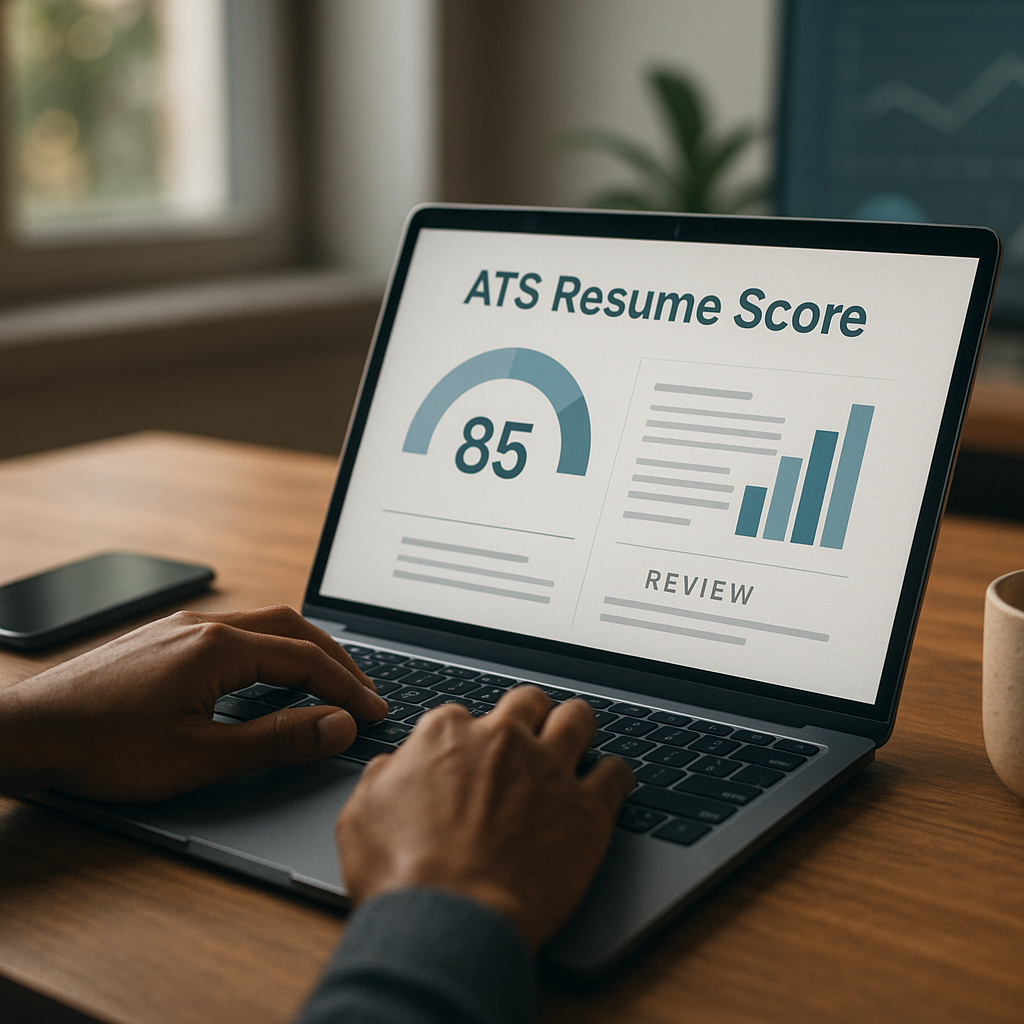
ATS-friendly resume for AI screening: 2026 checklist
Use this ATS-friendly resume for AI screening checklist to avoid formatting traps, boost keyword match, and stay readable to recruiters. You’ll learn what to change (and what to stop doing) when AI and ATS systems pre-screen your resume in 2026.

Use this ATS-friendly resume for AI screening checklist to avoid formatting traps, boost keyword match, and stay readable to recruiters. If you’ve ever uploaded a resume that looked perfect in Word—then turned into a messy text blob in an application portal—you’ve seen the problem: in 2026, your resume has to pass both machine parsing and human skim-reading.
The good news is that “AI screening” isn’t magic. Most systems still rely on a mix of: (1) ATS parsing accuracy, (2) keyword/entity matching, and (3) scoring signals like recency, role fit, and measurable outcomes. The checklist below shows exactly what to change (and what to stop doing) to get through pre-screening and into a recruiter’s hands.
How AI screening and ATS scoring work in 2026 (in plain English)
In 2026, employers commonly use ATS platforms with AI layers that do three main jobs:
1. Parse your resume into fields (name, title, skills, jobs, dates, education).
2. Match your content to the job description using skills and keyword/entity extraction (tools recognize synonyms like “stakeholder management” ≈ “client management”).
3. Rank or recommend candidates based on match strength, recent experience, seniority signals, and evidence of impact (numbers, scope, tools, outcomes).
That means you’re optimizing for two outcomes:
- Parsing reliability (so nothing important is lost)
- Match quality (so your relevant experience is obvious to machines and people)
ATS-friendly resume for AI screening: 2026 checklist (copy/paste)
This is the core ATS-friendly resume for AI screening checklist—use it before every application.
1) File type and layout: make it parse-proof
Do
- Use .docx unless the employer explicitly requests PDF. (Some ATS parse PDFs fine; others still misread columns, icons, or headers.)
- Use one-column layout for maximum compatibility.
- Keep margins between 0.5" and 1".
- Use standard fonts: Calibri, Arial, Helvetica, Times New Roman (10.5–12 pt body; 14–16 pt name).
Stop doing
- Two-column resumes, text boxes, shapes, icons, infographics, skill bars, or embedded charts.
- Headers/footers for critical info (ATS often strips them). Put contact details in the main body.
Quick self-test
- Copy your resume content and paste into a plain text editor. If it stays readable and ordered, you’re close.
2) Section headings ATS actually understands
Use conventional headings so the ATS maps your content correctly:
Recommended headings
- Summary
- Skills
- Experience (or Professional Experience)
- Projects (optional)
- Education
- Certifications (optional)
- Publications / Volunteer / Leadership (optional)
Avoid
- “My Journey,” “Where I’ve Been,” “What I Bring,” or creative labels that confuse parsing.
3) Contact info that won’t disappear in parsing
Include:
- First + Last Name
- City, State (full address is unnecessary for most roles)
- Phone number
- Professional email
- LinkedIn URL (customized)
- Portfolio/GitHub (if relevant)
Don’t
- Put contact info only in the header
- Use multiple emails or cute email addresses
- Link to too many socials (recruiters skim fast)
What to change for AI keyword matching (without sounding robotic)
AI filters don’t only look for exact matches, but you still need high overlap with the job description. The goal is alignment, not repetition.
4) Use a “targeted skill set” (not a mega list)
In 2026, a 30–60 skill dump can hurt clarity and dilute relevance. Create a role-specific skills section that mirrors the job posting.
Better Skills format (example)
- Skills: SQL (Postgres), Python (pandas), Tableau, dbt, ETL pipelines, stakeholder management, A/B testing, data modeling, forecasting
Avoid
- Skill bars (“90% Python”)
- Vague traits as skills (“hardworking,” “people person”)
- Listing tools you can’t defend in an interview
5) Match keywords where ATS expects them: title + skills + bullets
AI scoring tends to weigh:
- Recent job titles and recent skills usage
- Role-specific tools and systems
- Outcomes + scope (numbers, budget, throughput, users)
Put critical keywords in:
- Your headline (optional line under name)
- Your Summary
- Your Skills
- Your Experience bullets
Example headline
- Data Analyst | SQL, Tableau, Forecasting | Experimentation & Stakeholder Reporting
6) Write achievements as evidence (AI loves specificity)
Generic duties don’t rank well and don’t impress humans. Convert “responsible for” bullets into outcome-driven bullets.
Before
- Responsible for reporting and dashboards.
After
- Built 12 KPI dashboards in Tableau used by 6 department leads, reducing weekly reporting time by 35% and improving on-time decisions for quarterly planning.
Use a simple formula:
Action verb + tool/skill + scope + outcome + metric
Formatting traps that silently lower ATS scores (and how to fix them)
7) Dates, job titles, and employers: keep them consistent
ATS parsers like predictable patterns.
Use
- Company — Title
City, State | Month YYYY – Month YYYY
Bullet bullets bullets…
Avoid
- Right-aligned dates
- Date formats like “2023/06 – Present” mixed with “Jun 2021 – Dec 2022”
- Hiding employment gaps with creative formatting (it often backfires)
If you have a gap, address it cleanly:
- Career Break | Month YYYY – Month YYYY — Upskilling in X, completed Y certification, built Z project
8) Bullet structure that parses correctly
Do
- Use standard round bullets (•)
- Keep bullets to 1–2 lines where possible
- Start each bullet with a strong verb (Built, Led, Automated, Reduced, Shipped, Negotiated)
Stop
- Long paragraphs
- Special symbols (▸, ◆) that sometimes break parsing
- Nested tables or multi-level bullets for critical info
9) Projects section: only if it strengthens relevance
A projects section can boost match—especially for career changers, new grads, and people with skill gaps.
Add projects if
- The job requires tools you used outside work
- You’re pivoting functions (e.g., QA → Data Analyst)
- Your recent role title doesn’t reflect your target role
Mini-format
- Customer Churn Model (Python, scikit-learn) — Built a model improving retention targeting; achieved 0.82 ROC-AUC; deployed insights to a sales ops dashboard.
Step-by-step: tailor your resume to one job in 20 minutes
This is the practical routine that helps you improve match without rewriting everything.
Step 1: Extract the “must-have” signals (5 minutes)
From the job description, identify:
- 5–8 hard skills/tools (e.g., Excel, Salesforce, Kubernetes)
- 3–5 responsibilities (e.g., stakeholder reporting, incident response)
- 2–3 outcomes (e.g., “reduce churn,” “improve conversion”)
Step 2: Update Skills + Summary first (5 minutes)
- Skills: include the exact tool names used in the posting (if true)
- Summary: 2–3 lines emphasizing matching experience and domain
Summary template
- [Role] with [X years] in [industry/domain], specializing in [top 2–3 skills]. Delivered [measurable result] by [action]. Experienced with [systems/tools from posting].
Step 3: Adjust 3–5 bullets (8 minutes)
Find the bullets most related to the job and:
- Add the matching tool name(s)
- Add a metric (%, $, time saved, volume)
- Add scope (users, regions, pipelines, tickets, accounts)
Step 4: Run a “human skim” (2 minutes)
Ask: in 10 seconds, can someone see:
- Target role
- Top relevant skills/tools
- Recent relevant experience
- Proof you deliver outcomes
If not, tighten the top third of the page.
Tools that help you test ATS parsing and keyword match (honest comparison)
You can DIY most of this, but tools can speed up the “is my resume actually readable + aligned?” part—especially when applying to many roles.
Feature comparison (2026-friendly resume workflow)
| Tool | Best for | Pros | Cons |
|---|---|---|---|
| Apply4Me | End-to-end job search workflow (resume ATS scoring + tracking + insights) | Built-in ATS scoring, application insights, job tracker, auto-apply, mobile + web, plus career path planning and interview prep | Auto-apply still needs careful targeting; you should review role fit before sending |
| Jobscan-style scanners | Keyword matching and ATS checks | Clear match reports; good for learning how postings map to keywords | Can overemphasize keyword stuffing; doesn’t manage applications |
| Resume builders (templates) | Fast formatting | Quick layouts; helpful sections | Some templates use columns/icons that break ATS parsing |
| Plain Google Docs/Word + manual checklist | Full control | Free and flexible | Time-consuming; easy to miss issues across many applications |
Where Apply4Me fits naturally: if you’re applying consistently and want a tighter loop between resume optimization → ATS score → application tracking → interview prep, it reduces the “spreadsheet + guesswork” problem and makes it easier to stay organized while tailoring.
Advanced 2026 tactics: optimize for AI and recruiter behavior
10) Use a “Core Skills” line in each role (optional but powerful)
Right under each job title, add one line:
- Core skills: SQL, Looker, forecasting, stakeholder reporting, dashboard automation
This helps both parsing and human skimming, especially when recruiters review dozens of profiles quickly.
11) Include the tools where you used them (not just in Skills)
ATS and AI ranking systems often weigh contextual usage more than isolated lists. If you list “Salesforce” in Skills but never mention it in experience bullets, it can look inflated.
Example
- Managed Salesforce hygiene across 3 pipelines, improving lead routing accuracy by 18%.
12) Don’t hide impact behind internal jargon
AI models are improving at interpreting language, but internal acronyms can still reduce match quality.
Swap
- “Owned QBR pack for GTM pods”
For
- “Owned quarterly business review reporting for sales teams; analyzed pipeline, churn risk, and conversion by segment.”
13) Keep it readable for humans: AI pass ≠ interview
In 2026, many recruiters still make fast decisions on:
- Clarity of role fit in the top half-page
- Evidence (numbers + scope)
- Career narrative (growth, continuity, leadership)
So even the most optimized ATS resume should still read like a confident professional story, not a keyword list.
Conclusion: use the checklist, then systemize it
An ATS-friendly resume for AI screening isn’t about gaming the system—it’s about removing friction so your real experience gets interpreted correctly. If you stick to a clean one-column format, use standard headings, mirror job keywords truthfully, and quantify impact, you’ll pass more pre-screens and get more recruiter responses.
Try Apply4Me free to get an ATS score on your resume, track every application in one place, and use application insights to iterate faster—so you can apply smarter (and quicker) without losing control of quality.
Frequently Asked Questions
What is an ATS-friendly resume for AI screening?
It’s a resume designed to be reliably parsed by applicant tracking systems and clearly matched by AI screening tools. In practice, it uses standard formatting/headings, includes role-relevant keywords naturally, and shows measurable outcomes that support fit.
Should I submit a PDF or DOCX in 2026?
Use DOCX unless the posting specifies PDF. Many systems handle PDFs well, but DOCX is still the safest option for consistent parsing—especially when roles receive high volume and automation is strict.
Do ATS systems reject resumes for missing keywords?
Some do, but more often they rank candidates by match strength rather than hard-rejecting them. Your goal is to include the most relevant skills and tools where they naturally belong (summary, skills, and experience bullets) and back them with proof.
Are two-column resumes ATS-friendly now?
Sometimes, but they’re still risky because columns, text boxes, and icons can scramble parsing in certain systems. If you want maximum compatibility across employers, a clean one-column layout remains the best choice for 2026.

Jorge Lameira
Author