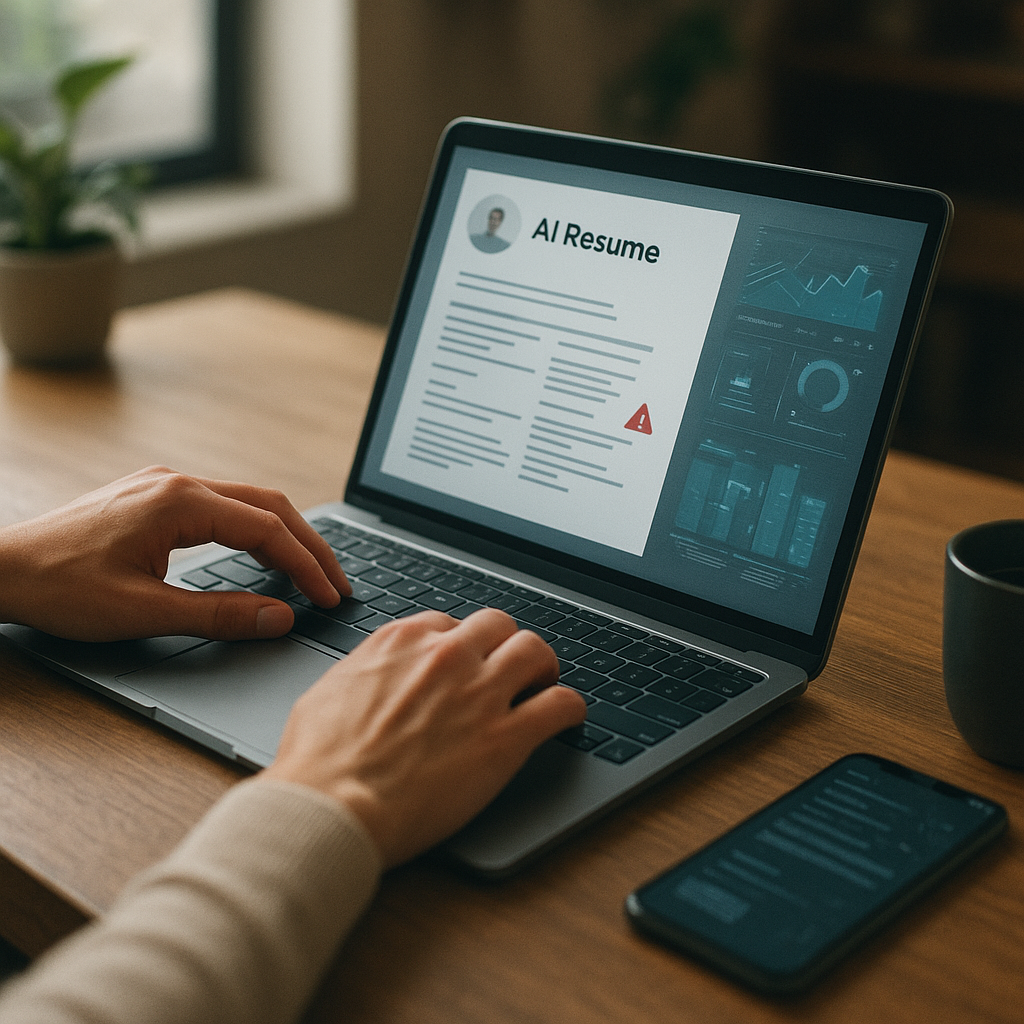
How to optimize your resume for AI screening
AI filters decide which resumes reach humans—often in seconds. This guide shows how to optimize your resume for AI screening using measurable achievements, clean formatting, and role-specific keywords without sounding robotic.

AI filters decide which resumes reach humans—often in seconds. If your resume isn’t easy for an ATS (Applicant Tracking System) to parse and strong enough for an AI ranking model to score, you can get rejected before a recruiter ever sees your name. This guide shows how to optimize your resume for AI screening in 2026 using measurable achievements, clean formatting, and role-specific keywords—without sounding robotic or stuffing buzzwords.
Below, you’ll get a practical, step-by-step system you can use on your next application, plus examples and tools that help you validate your resume against modern AI screeners.
What “AI screening” actually means in 2026 (and why resumes get filtered out)
Most mid-size and enterprise employers rely on ATS platforms and AI layers to handle volume. Recent recruiting benchmarks shared across HR tech providers consistently show ATS adoption in the 70–90% range for organizations hiring at scale, and AI-assisted ranking (skills matching, semantic search, knockout checks) is now common even for non-technical roles.
In practice, “AI screening” typically includes:
- Parsing: Can the system accurately extract your job titles, dates, skills, education, and locations?
- Eligibility rules (“knockouts”): Work authorization, required certification, location, years of experience, shift availability.
- Ranking/matching: Keyword + semantic similarity scoring against the job description (JD).
- Recruiter workflow filters: Recruiters sort by match score, recent titles, relevant skills, and tenure patterns.
Common reasons strong candidates still get filtered:
- Important keywords are missing or buried in paragraphs.
- The resume uses headers/columns/tables that parse poorly.
- Titles don’t align with the role (even if the work did).
- Achievements are vague (“responsible for…”) and don’t prove impact.
- The resume is over-designed, image-heavy, or exported in a problematic format.
How to optimize your resume for AI screening without keyword stuffing
The goal isn’t to “game” the system. It’s to make your resume easy to interpret and obviously relevant.
1) Mirror the job’s language—strategically
AI matchers weigh terms from the JD, especially:
- Hard skills/tools (e.g., SQL, Jira, HubSpot, Python)
- Role-specific methods (e.g., regression modeling, stakeholder management, pipeline forecasting)
- Domain terms (e.g., AML/KYC, HIPAA, SOC 2)
- Seniority signals (e.g., “lead,” “own,” “mentor,” “roadmap,” “budget”)
Actionable method (10 minutes per job):
1. Paste the JD into a doc.
2. Highlight:
- 8–12 hard skills/tools
- 6–10 responsibilities (verbs + objects)
- 3–6 outcomes (metrics, goals, deliverables)
3. Add the most important terms where they naturally belong:
- Skills section (for tools)
- Experience bullets (for responsibilities + outcomes)
- Summary (for top 2–3 role-defining keywords)
Avoid: dumping a “keyword block” in white text or listing 50 skills you can’t defend. Modern screeners detect irrelevant repetition and recruiters will notice immediately.
2) Use “title alignment” (without lying)
AI screening often boosts candidates whose recent job titles closely match the target role.
If your official title is unconventional, add a clarifier:
- Customer Happiness Lead (Customer Success Manager)
- Data Specialist (Business Analyst)
- Growth Associate (Digital Marketing Specialist)
This keeps you honest while improving match accuracy.
3) Prove impact with measurable achievements (AI and humans both reward this)
A high match score helps, but measurable outcomes keep you on the shortlist. Strong bullets combine:
Action + Scope + Tools + Result
Examples (adapt these):
- “Reduced onboarding time 28% by redesigning workflows in ServiceNow, creating SOPs, and training 12 support reps.”
- “Improved paid search ROAS 1.9× by restructuring campaigns, adding negative keyword logic, and testing new landing pages (Google Ads, GA4).”
- “Built a quarterly forecast model in Excel + SQL that improved pipeline accuracy from ±25% to ±10%.”
If you don’t have numbers, use credible proxies:
- volume (tickets/week, accounts managed)
- time (cycle time, turnaround)
- quality (defect rate, CSAT, NPS)
- risk (audit findings, compliance incidents)
- scale (budget size, stakeholders, regions)
Resume formatting that ATS and AI parsers reliably understand
The safest resume is boring—in structure, not content.
Use a clean, single-column layout
Many ATS can parse two columns now, but single-column remains the most reliably interpretable across systems and exports.
Best practices:
- One column, left-aligned
- Standard section headings: Summary, Skills, Experience, Education, Certifications
- Use simple bullets (•) and consistent date formats (e.g., Jan 2023 – May 2026)
- Keep margins reasonable (0.5"–1")
- Use readable fonts (Calibri, Arial, Helvetica, Georgia)
Avoid these common parsing issues
- Tables, text boxes, or graphics for key content
- Icons as labels (e.g., phone/email icons replacing words)
- Skill bars, charts, and logos
- Headers/footers containing critical info (some ATS ignore them)
- Images (even if they look sharp)
PDF vs DOCX in 2026: which is better?
- DOCX is often safest for parsing consistency.
- PDF can work well if it’s text-based (not image-based) and exported correctly.
If the application portal says “upload PDF,” use PDF. Otherwise, keep a DOCX version ready. Always open your uploaded file preview (if available) to confirm formatting.
Keywords, skills, and “semantic match”: what AI models look for now
Screeners increasingly use semantic search—not just exact keyword matching. That means related terms can help, but exact matches still matter for tools, certifications, and requirements.
Build a role-specific Skills section (not a catch-all)
Create a skills section that’s tailored per role. A simple format works best:
Skills: SQL, Excel (Power Query), Tableau, GA4, HubSpot, Salesforce, Jira, Python (pandas), A/B testing, Forecasting, Stakeholder management
Tips:
- Put the most important 8–12 skills first.
- Include both tool names and methodologies if relevant.
- Don’t list skills you can’t discuss in an interview.
Add a “Core Competencies” line for non-technical roles
For roles like operations, HR, customer success, program management:
Core Competencies: Process improvement, Vendor management, Cross-functional collaboration, Training & enablement, SOP documentation, KPI reporting
Use keyword placement intentionally
AI parsers and ranking systems tend to prioritize:
- Skills section (high signal)
- Most recent role (recency)
- Titles and headings (structure)
- First 1–2 bullets under each job (visibility)
So if a JD emphasizes “stakeholder management” and “roadmap,” don’t hide those terms in bullet #6.
Tools to check ATS match: honest comparison (and which to use when)
Using a checker can save time—but it won’t replace good judgment. Here’s a practical comparison of popular options job seekers use to validate ATS match and improve relevance.
| Tool | Best for | Pros | Cons |
|---|---|---|---|
| Apply4Me | Applying faster and improving match quality | ATS scoring, application insights, job tracker, auto-apply workflows, mobile + web app, career path planning, interview prep | Auto-apply isn’t ideal for highly bespoke roles; you still need to tailor for top-priority jobs |
| Jobscan | Keyword/JD matching | Clear match breakdown, good for identifying missing skills | Can encourage over-optimization if you chase a score instead of relevance |
| Resume Worded | Bullet/impact feedback | Helpful phrasing suggestions, achievement focus | Less JD-specific; may feel generic for niche roles |
| Teal | Job tracking + tailoring | Good organization, JD-to-resume workflows | ATS “score” can be simplistic depending on role complexity |
| Rezi | ATS-friendly resume builder | Strong formatting control, easy section structure | Can sound template-like unless you customize heavily |
Verdict:
If you’re applying to a lot of roles and want one system to track applications + spot ATS gaps + streamline submissions, Apply4Me is a strong all-in-one option. If you’re applying to a small number of highly competitive roles, pair a JD matcher (for missing requirements) with deep manual tailoring and a metrics-heavy rewrite.
A practical step-by-step checklist to optimize your resume (use this for every role)
Use this workflow to consistently improve both ATS parsing and AI ranking.
Step 1: Start from a “master resume”
Create a long version with all roles, projects, and achievements. You’ll pull the most relevant items per application.
Step 2: Tailor the top third (where AI and recruiters look first)
In order of importance:
1. Headline (optional): “Product Manager | B2B SaaS | Activation & Retention”
2. Summary (2–3 lines): include 2–3 job-defining keywords + outcome
3. Skills (targeted list): align to JD
Example summary (good for AI + humans):
Operations specialist with 6+ years improving workflows and reporting. Built KPI dashboards (Excel/Power BI) and SOPs that reduced cycle time 22% and improved SLA adherence across cross-functional teams.
Step 3: Rewrite experience bullets using the “proof” formula
Aim for 4–6 bullets for your most recent role, 2–4 for earlier roles.
Before (weak):
- Responsible for managing customer onboarding.
After (strong):
- Managed onboarding for 45–60 new customers/month, cutting time-to-live from 21 to 14 days by improving checklists, handoffs, and template libraries (HubSpot, Jira).
Step 4: Match required tools exactly (when true)
If the JD says “Google Analytics 4 (GA4)”, use that exact phrasing somewhere—assuming you’ve used it.
- Good: “GA4” and “Google Analytics 4”
- Good: “Microsoft Excel (Power Query)”
- Avoid: “analytics tools” (too vague)
Step 5: Add the missing “filters” section if relevant
Some roles are filtered by compliance/eligibility. Consider adding:
- Certifications: PMP, CompTIA Security+, SHRM-CP, RN, CPA, etc.
- Clearances: (only if applicable and allowed to disclose)
- Work authorization: (if it’s commonly screened in your target market)
Step 6: Validate formatting by doing a “plain text test”
Copy-paste your resume into a plain text editor. If the sections, dates, and bullets become messy, an ATS may struggle too.
Step 7: Track what’s working and iterate
This is where a tool can save you hours. A mid-process mention that’s genuinely useful: Apply4Me helps you see ATS scoring and application insights while keeping a job tracker (so you can correlate which resume versions lead to interviews). If you’re applying broadly, its auto-apply plus mobile + web workflow can reduce time spent on repetitive forms—without losing visibility into where you’ve applied.
Common mistakes that quietly lower your AI score
These are fixable—and they matter.
- Using one resume for every role: AI matching is comparative; tailored resumes win.
- Overloading the skills section: 40+ skills looks unfocused and can dilute relevance.
- Leaving out context: “Improved performance” without what metric, what baseline, and what scope.
- Unexplained gaps or short tenures: Consider a brief explanation if it’s likely to raise questions (contract role, layoff, return to school).
- Unnecessary jargon: Use standard industry terms over internal acronyms.
Conclusion: Make AI screening work for you (not against you)
Optimizing isn’t about tricking an algorithm—it’s about making your experience easy to parse, easy to match, and hard to ignore. When you combine clean formatting, role-specific keywords, and proof-based achievements, you dramatically increase the odds your resume reaches a recruiter—and reads like a clear “yes” when it does.
Try Apply4Me free to quickly check ATS alignment, track every application in one place, and get application insights that help you iterate faster—so you spend less time guessing and more time getting interviews.
Frequently Asked Questions
Does ATS optimization mean I have to remove all design from my resume?
Not all design is bad, but avoid anything that can break parsing (tables, text boxes, graphics, icons-as-labels). A clean, single-column layout with consistent headings is the safest choice for AI screening.
How many keywords should I include for AI screening?
Include the terms that are truly relevant to your background—typically the JD’s most repeated hard skills, tools, and core responsibilities. Focus on natural placement in Skills + recent Experience rather than repeating the same keyword many times.
Is PDF or DOCX better for AI resume screening?
DOCX is often the most consistently parsed across ATS platforms, but many employers prefer PDF. Keep both versions, and use the format requested—then confirm the preview looks correct after upload.
Can AI screening detect if I’m exaggerating skills?
AI can flag inconsistencies (e.g., claiming advanced tools with no supporting experience), and recruiters will validate quickly in interviews. Only list skills you can explain with examples, outcomes, and tools you actually used.

Jorge Lameira
Author