Apply4Me Auto-Apply: Matches, CV & Cover Letters
Apply4Me's Auto-Apply finds jobs that match your profile, tailors your CV to each one, writes a cover letter, and applies for you. Here's exactly how it works and how to set it up.
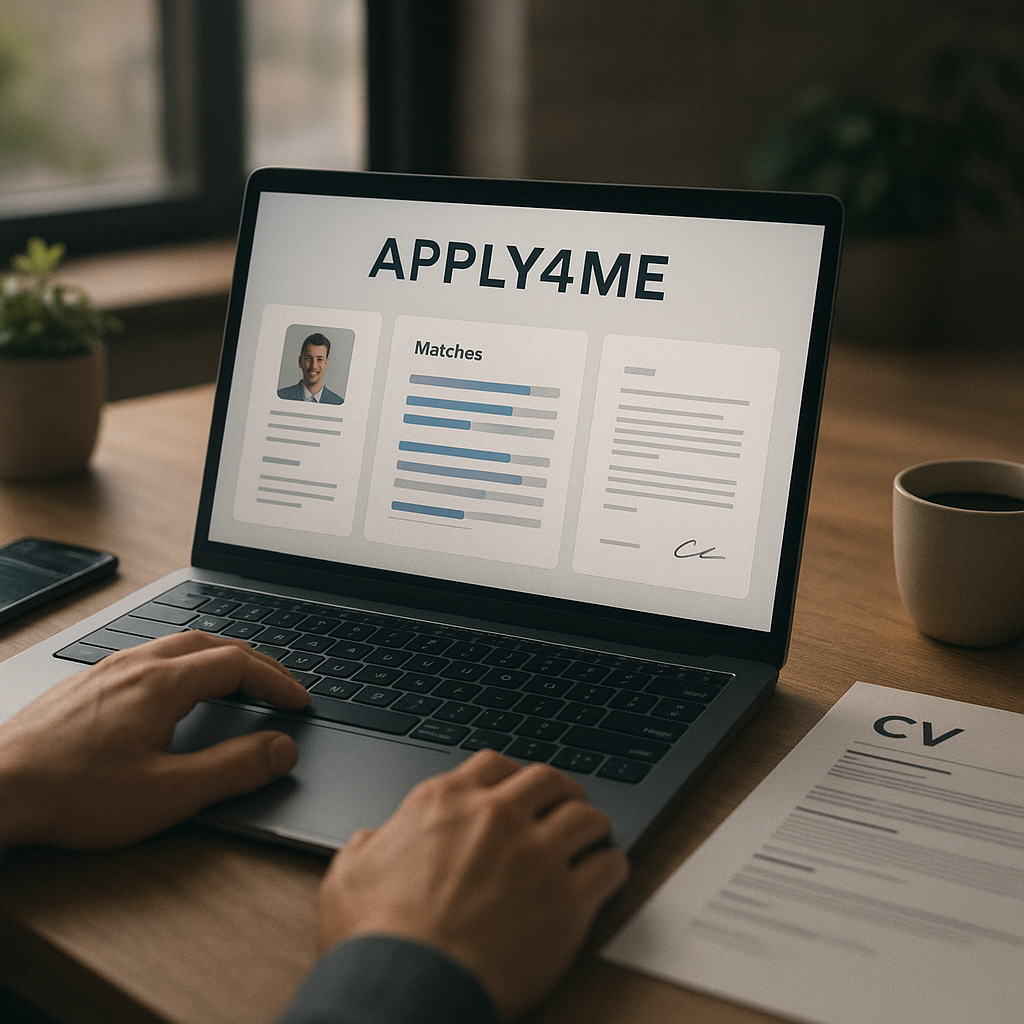
Job searching in 2026 can feel like a second full-time job: dozens of tabs open, “easy apply” forms that aren’t actually easy, and the constant worry that your CV isn’t tailored enough to pass ATS filters. That’s exactly why people look for an automatic job application tool—not to spam applications, but to apply faster while still staying relevant to each role.
Apply4Me’s Auto-Apply is built around that idea: it matches jobs to your profile, tailors your CV for each match, generates a targeted cover letter, and submits applications automatically (with an option to review before sending). Below is a practical, step-by-step guide to how it works, how to set it up, and how to use it strategically so you get more interviews—not just more “applications sent.”
What Apply4Me Auto-Apply actually does (and why it matters in 2026)
Auto-apply gets a bad reputation because many tools focus on volume. In 2026, volume-only strategies are risky: ATS systems and recruiters can spot generic applications quickly, and many job posts are getting hundreds (sometimes thousands) of applicants.
Apply4Me’s Auto-Apply is designed around match + tailoring + tracking:
- Finds and matches jobs to your profile, skills, and preferences (so you’re not applying to irrelevant roles).
- Adapts/tailors your CV to each matched job.
- Generates a tailored cover letter for each application.
- Submits applications automatically, with optional review-before-send if you want control.
- Tracks every auto-applied job so you don’t duplicate applications or lose the thread.
This matters because the “win” in 2026 is usually high-quality, role-aligned applications at speed, plus a system to follow up intelligently.
How an automatic job application tool should work (and where most people go wrong)
If you’re evaluating automation—or you’ve tried it and got poor results—the issue is usually one of these:
1) Applying without a strong match signal
If your skills and target roles aren’t clearly defined, automation just accelerates misalignment. You end up with lots of rejections and no insight into why.
Fix: Define role titles, must-have skills, and “dealbreakers” (location, remote/hybrid, salary range if possible) before you let anything run.
2) Using one generic CV for everything
Most ATS systems parse keywords, job titles, and skill relevance. A one-size-fits-all CV often reads as “close, but not quite.”
Fix: Tailor the CV to reflect the language and priorities of each role—without making things up.
3) Losing track of what was applied to (and when)
Automation without tracking leads to duplicate applications, missed follow-ups, and inconsistent interview prep.
Fix: Use a tool with a built-in tracker. Apply4Me tracks every auto-applied job so nothing is duplicated or lost.
Apply4Me Auto-Apply: matches → tailored CV → cover letter → submission (step-by-step)
Here’s the workflow you should expect when using Apply4Me’s Auto-Apply, translated into “what you do” and “what it does for you.”
Step 1: Build a clear profile that supports matching
Auto-Apply starts with your profile—because matching is only as good as the input.
What to prepare before setup (10–20 minutes):
- Target job titles (be specific: “Customer Success Manager” vs. “Customer Success”)
- Key skills (hard skills + tools + domain expertise)
- Preferred work style (remote/hybrid/on-site)
- Location and/or time zone constraints
- Experience level and industries you prefer
Pro tip for 2026: Include skills that show “AI fluency” for your role (even basic). For example:
- Marketing: AI-assisted copy testing, analytics, experimentation
- Ops: automation tools, process mapping, QA
- Product: PRDs, user research synthesis, roadmap hygiene
You don’t need to be a prompt engineer; you do need to show modern workflow competence.
Step 2: Set preferences so matching stays relevant
Apply4Me matches jobs to your profile, skills, and preferences. The practical goal is to eliminate “temptation applies” (roles you could do but don’t really want) and keep your pipeline consistent.
Choose preferences that reduce noise:
- Seniority level (avoid “Senior” if you’re mid-level unless you have proof points)
- Location/remote requirements
- Industry preferences (optional, but useful if you’re switching fields)
- Role type (contract vs. permanent)
This is where automation becomes a strategy instead of a lottery.
Step 3: Let Auto-Apply match jobs to you (not the other way around)
Instead of you searching manually and second-guessing every posting, Auto-Apply finds and matches roles based on fit.
What “good matching” looks like:
- Overlap with your core skills (not just adjacent ones)
- Job responsibilities reflect what you’ve already done (or a logical stretch)
- Title progression makes sense (lateral or one-step up)
- Requirements align with your years of experience
If your matches are off, don’t “force” it—tighten the profile inputs.
Step 4: Auto-tailor your CV to each matched job
Apply4Me adapts/tailors your CV to each job it applies to. This is the part that can dramatically improve results compared to sending the same CV repeatedly.
How to make CV tailoring work harder (actionable settings mindset):
- Keep a strong “master CV” with measurable outcomes
- Use multiple versions of key bullets (e.g., one for growth, one for retention, one for operations)
- Make sure your recent roles include tool stacks and outcomes (ATS-friendly + recruiter-friendly)
Example (before → after tailoring):
- Before: “Managed onboarding for new clients.”
- After (tailored to a CS role emphasizing retention): “Led onboarding for 40+ SMB clients/month, reducing time-to-value by 18% and supporting retention through structured success check-ins.”
The second version is still truthful—but it’s closer to what the job is screening for.
Step 5: Generate a tailored cover letter per application
Apply4Me generates a tailored cover letter for each application. In 2026, cover letters are still useful when they’re specific—especially for:
- Career changes
- Employment gaps
- Competitive roles
- Roles that prioritize communication (CS, sales, PM, marketing, comms)
What to check in a tailored cover letter (quick quality checklist):
- Mentions the role title and company
- Connects 2–3 relevant achievements to the job’s top needs
- Avoids generic claims (“hardworking,” “team player”) unless supported by proof
- Sounds like you (professional, not robotic)
If you’re using optional review-before-send, scan for accuracy and tone. A 20-second review can prevent awkward mistakes.
Step 6: Auto-submit applications (with optional review-before-send)
Apply4Me submits applications automatically. If you want control, use the optional review-before-send feature—particularly for roles you care most about (dream companies, big salary jumps, career pivots).
A practical strategy:
- Auto-send for “good fit” roles to keep volume steady
- Review-before-send for “high-stakes” roles to maximize quality
Step 7: Track every auto-applied job so nothing is duplicated or lost
The tracker is what turns automation into a system. Apply4Me tracks auto-applied jobs so you:
- Don’t apply twice
- Remember what version you sent
- Can follow up strategically
- Can spot patterns (which roles convert to interviews)
Mid-search is the best time to be organized—not after you’ve sent 120 applications and can’t remember anything.
Set up Apply4Me Auto-Apply for better outcomes (a practical 2026 checklist)
This section is your “do this today” plan. If you follow it, automation becomes a competitive advantage instead of a black box.
1) Tighten your role scope (the 3-title rule)
Pick 1–3 target titles maximum. More than that and your profile becomes too generic to match well.
If you’re switching careers, use:
- 1 “transition” title (realistic pivot)
- 1 “adjacent” title (uses your strongest overlap)
- 1 “stretch” title (but only if your CV supports it)
2) Upgrade your CV so tailoring has strong raw material
Tailoring can’t invent results. Spend one hour improving your master CV:
Add measurable proof (even if approximate):
- Volume: “Handled ~60 tickets/week”
- Speed: “Cut reporting time from 3 hours to 45 minutes”
- Revenue/impact: “Influenced $120K pipeline”
- Quality: “Improved CSAT from 4.2 → 4.6”
Add tool stack keywords:
ATS and recruiters both look for tool familiarity. List tools in context (where you used them), not just in a skills cloud.
3) Decide where you want human review (and where you don’t)
Use your energy where it matters:
- Review-before-send ON: career changes, senior roles, top companies
- Review-before-send OFF: roles that match closely and are plentiful
4) Use ATS scoring + insights to iterate (don’t guess)
Apply4Me includes ATS scoring and application insights/analytics. This is your feedback loop.
What to look for in analytics:
- Which titles get more responses?
- Which industries convert better?
- Where do you get stuck (applied → no response, or interview → no offer)?
Then adjust one variable at a time (titles, bullet points, skills emphasis).
5) Keep your pipeline clean with a job tracker workflow
Even with automation, you’ll need to follow up, prep, and compare offers. A consistent tracker workflow helps:
- Check tracker daily (5 minutes)
- Follow up after a reasonable wait if appropriate
- Log interview stages and notes
- Use patterns to refine your target list
Where Apply4Me fits: Auto-Apply + ATS scoring + analytics + interview prep (a practical system)
A tool is most valuable when it covers the whole job-search loop.
Apply4Me combines:
- Auto-Apply (match, tailor CV, create cover letter, submit, track)
- ATS scoring
- Application insights/analytics
- Job tracker
- Career path planning
- Interview Assistant (likely questions for the specific role/company + guidance, practice, feedback)
- Mobile + web continuity (start on mobile, continue on web; everything stays in sync)
A practical way to use this system:
1. Auto-Apply builds your pipeline fast.
2. ATS scoring + analytics tell you what’s working.
3. Career path planning helps you choose titles that lead somewhere (not random lateral moves).
4. Interview Assistant helps you convert interviews into offers.
That’s the difference between “automation” and a repeatable job-search process.
Apply4Me vs other job application approaches (honest comparison)
Not every job seeker needs the same level of automation. Here’s a quick, realistic comparison to help you decide.
| Approach | Pros | Cons | Best for |
|---|---|---|---|
| Manual applying (job boards + copy/paste) | Maximum control; easy to personalize deeply | Very time-consuming; inconsistent tracking; easy to burn out | Small number of targeted roles; niche senior positions |
| Spreadsheet + templates | More organized; cheap/free | Still slow; tailoring often shallow; easy to drift into generic applications | Methodical applicants with time to spare |
| “One-click apply” only | Fast; low effort | High competition; often low response rate; little differentiation | Entry-level volume or backup pipeline |
| Apply4Me Auto-Apply (match + tailored CV + cover letters + tracking) | Speed + relevance; avoids duplicates; optional review-before-send; analytics + ATS scoring; interview prep available | Still requires a good base CV and clear preferences; you should review high-stakes applications | Most job seekers who want a consistent pipeline without sacrificing quality |
Verdict: If you’re applying to many roles (common in 2026) and want applications to stay tailored and tracked, Apply4Me is a strong fit—especially because it pairs Auto-Apply with ATS scoring, insights, and interview preparation. If you’re only applying to 5 highly niche roles, a fully manual approach may still make sense.
How to get more interviews with an automatic application strategy (2026 playbook)
Automation is the engine. Strategy is the steering wheel. Use these tactics to increase interview conversion:
Focus on “close match” roles first
Build momentum by prioritizing roles where you already match 70–90% of requirements. Once you start getting interviews, you’ll learn what the market rewards and can expand your scope.
Tailor for the top 5 keywords—not 50
Over-optimization can make a CV feel unnatural. Your tailored CV should align with:
- Role title variants
- Top tools/platforms
- Core responsibilities (2–3)
- Key outcomes (1–2)
Use the Interview Assistant to prepare to the job description
Apply4Me’s Interview Assistant generates likely questions for the specific role and company and provides guidance, practice, and feedback.
High-ROI prep workflow (30 minutes per interview):
1. Read the job description and identify 3 priority skills.
2. Generate likely interview questions (role + company specific).
3. Draft STAR stories for 2 achievements that map to those skills.
4. Practice concise answers (60–90 seconds each).
5. Note 2 questions to ask the interviewer that show you understand the job.
Track patterns and adjust weekly
Every 7 days, review:
- Which matches lead to callbacks
- Which CV emphasis performs better
- Which industries/titles are responding
Then make one change (e.g., prioritize a different title, highlight a different achievement cluster) and run it for another week.
Conclusion: turn job searching into a system (not a grind)
The best use of Auto-Apply in 2026 isn’t “apply everywhere.” It’s: match intelligently, tailor automatically, track everything, and use feedback loops to improve.
If you want a faster, more organized way to apply—without sacrificing relevance—try Apply4Me free and set up Auto-Apply to match jobs to your profile, tailor your CV, generate cover letters, and track every application in one place. It takes minutes to start, and it can save hours each week.
Frequently Asked Questions
Is an automatic job application tool safe to use?
It can be, as long as it prioritizes relevance and gives you control. Use clear preferences, keep your CV accurate, and enable review-before-send for high-stakes applications so you can verify details before anything is submitted.
Will auto-apply hurt my chances with recruiters?
It can if it leads to generic or mismatched applications. Tools that match jobs to your profile and tailor your CV and cover letter—while tracking what was sent—help you avoid the “spray and pray” trap.
Do I still need a cover letter in 2026?
Not always, but it’s still valuable for career pivots, competitive roles, and communication-heavy jobs. A tailored cover letter that connects your specific achievements to the role can increase your chances of getting a first interview.
How do I set up Auto-Apply to get better matches?
Start by narrowing your target titles to 1–3, clarifying your must-have preferences (remote/hybrid, location, seniority), and strengthening your master CV with measurable outcomes. Better inputs produce better matches—and better matches convert more often.

Jorge Lameira
Author