Micro-Credentials for Career Switchers in 2025: What Hiring Managers Trust (and How to Showcase Them on Your Resume)
Micro-credentials are everywhere in 2025—but employers don’t value them equally. This guide breaks down which badges and short certs actually signal job-ready skills, how to choose the right program for your target role, and how to position them on your resume and LinkedIn so they drive interviews.

Micro-Credentials for Career Switchers in 2025: What Hiring Managers Trust (and How to Showcase Them on Your Resume)
Micro-credentials are everywhere in 2025—Google certificates, Coursera badges, vendor certs, nano-degrees, “AI for Everyone” mini-courses, and more. The problem isn’t access. It’s signal.
If you’re switching careers, you’re asking a hiring manager to take a leap: “I may not have the exact title history, but I can do the job.” In that situation, not all micro-credentials are created equal. Some read as credible, job-ready proof. Others look like a weekend hobby.
This guide breaks down which micro-credentials employers actually trust in 2025, how to choose the right one for your target role, and exactly how to package them on your resume and LinkedIn so they lead to interviews—not just a longer “Certifications” section.
What Hiring Managers Actually Trust in 2025 (and Why)
In 2025, more companies are moving toward skills-based hiring—especially for roles in tech, analytics, marketing ops, customer success, IT, and project management. But “skills-based” doesn’t mean “anything goes.” Hiring teams still need reliable proxies for competence.
Here’s what tends to carry the most weight, in order:
1) Vendor and industry certifications tied to real tooling
These are trusted because they map directly to workplace systems and common job requirements. They’re also often proctored, standardized, and frequently updated.
Examples that typically signal job-readiness:
- Cloud/IT: AWS (Cloud Practitioner / Solutions Architect), Microsoft Azure (AZ-900 and role-based certs), Google Cloud, CompTIA (A+, Network+, Security+)
- Cybersecurity: Security+, (ISC)² CC (entry-level), SSCP (mid), vendor security certs
- Data/BI: Microsoft Power BI (PL-300), Tableau certifications, Snowflake (role-based certs)
- CRM/RevOps: Salesforce Administrator, HubSpot certifications (especially for marketing ops)
- Project/Agile: PMI CAPM / PMP (depending on experience), Scrum.org PSM, SAFe (when relevant to employers)
Why they work for switchers: job descriptions often list these by name, so they help with both ATS keyword matching and human trust.
Tradeoff: Some vendors have “intro” certs that are easy to collect and easy for hiring managers to ignore if you don’t pair them with projects.
2) Role-aligned professional certificates (with portfolios or assessments)
These are typically offered by platforms (Coursera, edX, Udacity, etc.) sometimes in partnership with major brands. They can be valuable if they include practical outputs.
Examples employers recognize (when paired with evidence):
- Google Professional Certificates (Data Analytics, Cybersecurity, UX Design, Project Management)
- IBM / Microsoft professional certificates on Coursera
- UX/UI programs that require case studies
Why they work: They provide a structured pathway and can be completed while working.
Tradeoff: Completion alone is not proof. Hiring managers increasingly ask:
“Where’s the work?” (portfolio, dashboard, repo, case study, process notes)
3) Short, unproctored badges (useful—but low signal alone)
Badges from short courses can show initiative, but they rarely convince a skeptical reviewer by themselves.
Good uses:
- Filling a targeted knowledge gap (e.g., “GA4 basics,” “SQL joins,” “Intro to Jira”)
- Supporting a bigger narrative (e.g., you used GA4 in a project and the badge confirms familiarity)
Tradeoff: Alone, they often read as “I watched content,” not “I can do the job.”
A 2025 Reality Check: The “Credential + Proof” Rule
A practical way to think about micro-credentials in 2025:
Credentials get you found. Proof gets you hired.
With more applicants using AI-assisted applications and one-click applying, hiring teams are filtering harder. Many employers now expect verifiable evidence: projects, quantified outcomes, or work samples—even for entry-level.
So the winning combo for a career switcher is usually:
- One credible, role-aligned credential (industry or vendor recognized), plus
- One to three portfolio artifacts that demonstrate the skill in context, plus
- A resume/LinkedIn that connects the dots from your past experience to the new role.
How to Choose the Right Micro-Credential (Without Wasting Months)
Before you enroll in anything, do this 30-minute “job-posting audit.” It’s the fastest way to pick credentials hiring managers actually care about.
Step 1: Pull 20 job descriptions for your target role
Use a mix of:
- “Entry-level” and “Associate” titles
- Companies you’d realistically apply to
- Different industries (healthcare, fintech, logistics, agencies, etc.)
Step 2: Count the recurring requirements
Make a simple tally:
- Tools (e.g., Excel, SQL, Power BI, Salesforce, Jira)
- Methodologies (Agile, ITIL, ETL)
- Certifications mentioned by name
- Deliverables (dashboards, audits, documentation, campaigns)
If a cert/tool shows up in 30–40% of your sample postings, it’s likely worth prioritizing.
Step 3: Pick ONE “anchor credential”
An anchor credential should meet at least 3 of these criteria:
- Mentioned explicitly in job descriptions
- Maps to a tool used daily in the role
- Has a reputable issuer (vendor/industry body)
- Includes a practical exam or structured assessment
- Can be completed within 4–12 weeks part-time
Step 4: Add ONE “supporting credential” only if it closes a gap
Examples:
- Target role: Data Analyst
Anchor: PL-300 (Power BI)
Supporting: SQL micro-course + 2 dashboards
- Target role: IT Support
Anchor: CompTIA A+
Supporting: Azure fundamentals (AZ-900) if job postings mention cloud
- Target role: Project Coordinator
Anchor: CAPM (if eligible) or PSM I
Supporting: Jira fundamentals + a project plan sample
Avoid: stacking 6+ badges with no portfolio. It reads like “collecting certificates” rather than building capability.
What to Take (and What to Skip): A Practical Comparison
Below is a quick comparison of micro-credential types from a hiring-manager-trust standpoint.
| Micro-credential type | Best for | Trust level (typical) | Pros | Cons | How to make it interview-worthy |
|---|---|---:|---|---|---|
| Vendor cert (AWS/Azure/Salesforce/CompTIA) | Tool-heavy roles | High | Recognizable, ATS-friendly, standardized | Can be theory-heavy; prep takes time | Pair with a real project using the tool |
| Industry cert (PMI, (ISC)², ITIL) | Regulated/process-heavy roles | High–Medium | Signals professionalism and baseline knowledge | Some require experience; may not prove hands-on skill | Add deliverables: plans, risk logs, runbooks |
| Professional certificate (Coursera/edX/Udacity) | Career switch pathways | Medium | Structured curriculum, often role-aligned | Completion alone is weak | Publish portfolio artifacts + link them |
| Short badges (GA4, Excel, AI basics) | Filling gaps | Low (alone) | Fast, targeted | Easy to ignore | Use as supporting evidence inside a project bullet |
How to Turn a Micro-Credential Into Proof (Portfolio That Hiring Managers Respect)
A credential earns attention; a work sample earns trust. Here are portfolio formats that consistently help career switchers in 2025.
For Data Analytics (SQL / Excel / BI)
Create:
- 1 dashboard (Power BI / Tableau) with a clear business question
- 1 short case study (problem → approach → insights → recommendation)
- 1 SQL repo or notebook showing key queries
Make it feel real: Use a public dataset, but frame it like a business scenario (churn, inventory, customer segments). Hiring managers care more about your thinking than the dataset.
For Cybersecurity / IT
Create:
- A documented home lab (virtual machines, basic network setup)
- A simple incident write-up (what happened, what you checked, what you’d do next)
- A “hardening checklist” for Windows/Linux basics
Tip: Include screenshots and clear steps. The ability to document is a real job skill.
For Project Management / Ops
Create:
- A one-page project charter
- A milestone plan (Gantt or roadmap)
- A risk register and stakeholder update template
Bonus: Write it based on a realistic scenario (product launch, process improvement, onboarding workflow).
For Digital Marketing / Marketing Ops
Create:
- A campaign brief + ad/email mockups
- A measurement plan (KPIs, events, tracking)
- A short performance readout (even if simulated)
Tip: Show you understand measurement and iteration, not just creative.
How to Showcase Micro-Credentials on Your Resume (So They Don’t Look Like Fluff)
Most resumes bury micro-credentials in a “Certifications” list. In 2025, that’s not enough—especially for switchers.
1) Put the credential where it supports your story
Use one of these placements:
Option A: Headline / Summary (best when career switching)
Aspiring Data Analyst | Power BI (PL-300) | SQL | Excel | Dashboarding & stakeholder reporting
Option B: Skills section with context (best for ATS + humans)
Instead of: “Power BI, SQL, Excel”
Use:
- Power BI (PL-300) — built KPI dashboard (sales funnel + retention)
- SQL — joins, CTEs, aggregation (portfolio project link)
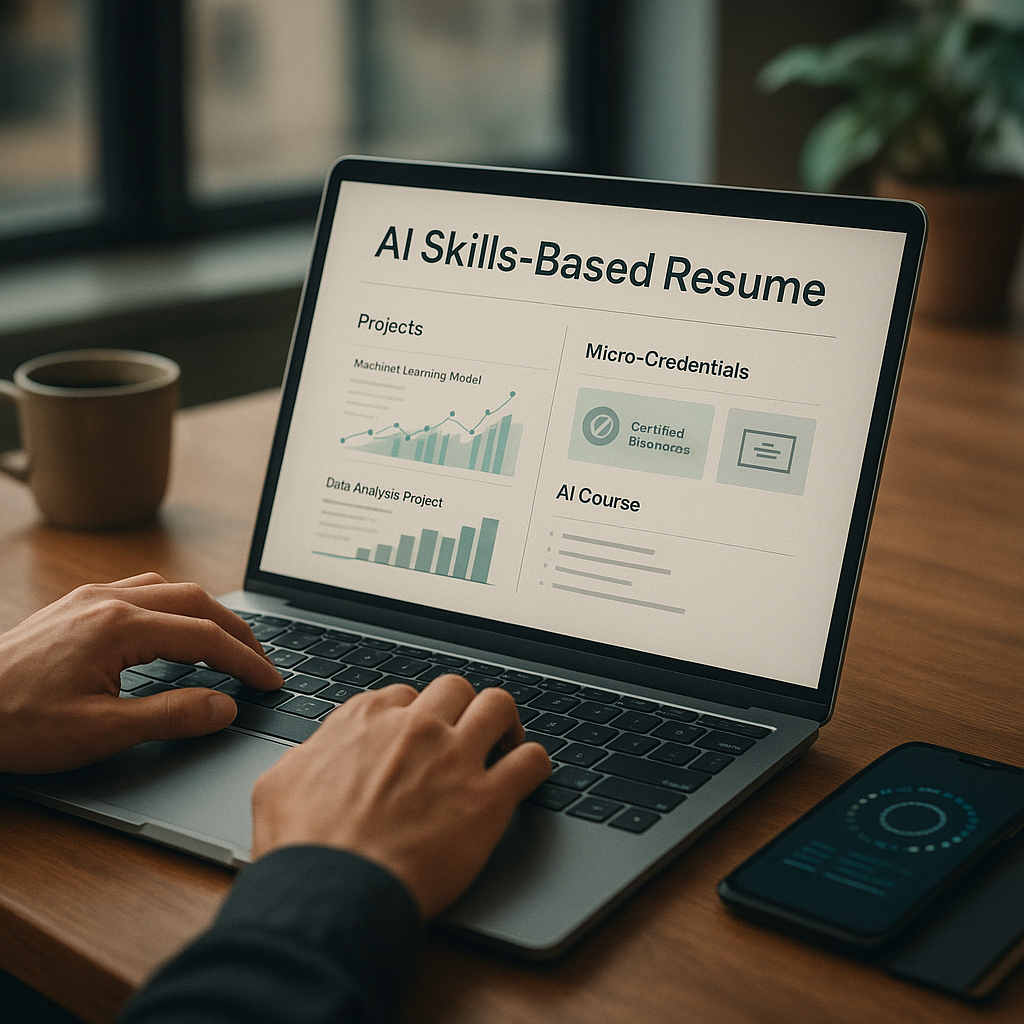
2) Add a “Selected Projects” section (this is the differentiator)
Example:
Selected Projects
- Customer Churn Dashboard (Power BI + SQL) — Built churn segmentation dashboard and summarized 3 retention actions; published report + documentation. (Link)
- Ops Workflow Redesign — Created project charter, RACI, and rollout plan to reduce handoff delays; included risk register and weekly status template. (Link)
3) Write credential bullets that translate to job outcomes
Instead of listing coursework, write what you can now do.
Bad:
- “Completed Google Data Analytics Certificate”
Better:
- Google Data Analytics Certificate — Built spreadsheets and SQL queries to clean, analyze, and visualize datasets; published a case study with recommendations. (Link)
4) Don’t overload the resume with badges
A strong rule of thumb for career switchers:
- 1–2 major credentials on the resume
- 2–4 supporting skills/badges max (only if relevant)
- Everything else goes to LinkedIn (in a curated way)
How to Showcase Micro-Credentials on LinkedIn (Without Looking Like a Badge Collector)
LinkedIn is where micro-credentials can help discovery—as long as your profile doesn’t look like a course transcript.
Optimize these 4 areas:
#### 1) Headline: include the role + 3–5 keywords hiring managers search
Example:
Career Switcher → Cloud Support | CompTIA A+ | AZ-900 | Windows, Networking, Ticketing Systems
#### 2) Featured section: link proof, not just certificates
Add:
- Portfolio site or Notion page
- GitHub repo
- Case studies (PDF or post)
- Dashboard links
#### 3) About section: use a simple credibility formula
Try:
- What you’re pivoting to
- What you’ve built (proof)
- What you did before that transfers
Example:
Transitioning into BI analytics after 6 years in operations. Recently earned PL-300 and built two Power BI dashboards focused on churn and inventory accuracy (links). I bring stakeholder reporting, process improvement, and KPI ownership from ops roles.
#### 4) Licenses & Certifications: be selective and specific
- Add credential IDs if available
- Add dates (especially if it’s recent)
- Remove outdated or irrelevant badges from the “top” view if they distract
Implementation Plan: A 30–60–90 Day Micro-Credential Strategy (2025 Edition)
Days 1–30: Choose + start the anchor credential
- Run the 20-job-post audit
- Pick your anchor credential
- Create a simple portfolio home (Notion, Google Site, GitHub)
- Draft your “switcher narrative” (1–2 sentences)
Days 31–60: Build proof while studying
- Build one portfolio artifact tied to the credential
- Start tracking targeted job postings and required keywords
- Update resume with:
- headline targeting your role
- skills aligned to job descriptions
- “Selected Projects” section
Days 61–90: Apply with a feedback loop
- Finish the credential or be close enough to list “In progress (Expected Month 2025)”
- Build a second portfolio artifact (smaller but polished)
- Apply consistently, tailoring based on outcomes:
- which resumes get callbacks?
- which roles reject quickly?
- what keywords are missing?
How Apply4Me Helps Career Switchers Use Micro-Credentials More Strategically
If you’re applying seriously in 2025, the hardest part isn’t earning a micro-credential—it’s running a clean system: tailoring, tracking, learning from results, and staying consistent.
Apply4Me is useful here because it’s designed around that system:
- Job tracker: keep applications, stages, contacts, and follow-ups organized (especially when you’re applying across “bridge roles” and target roles).
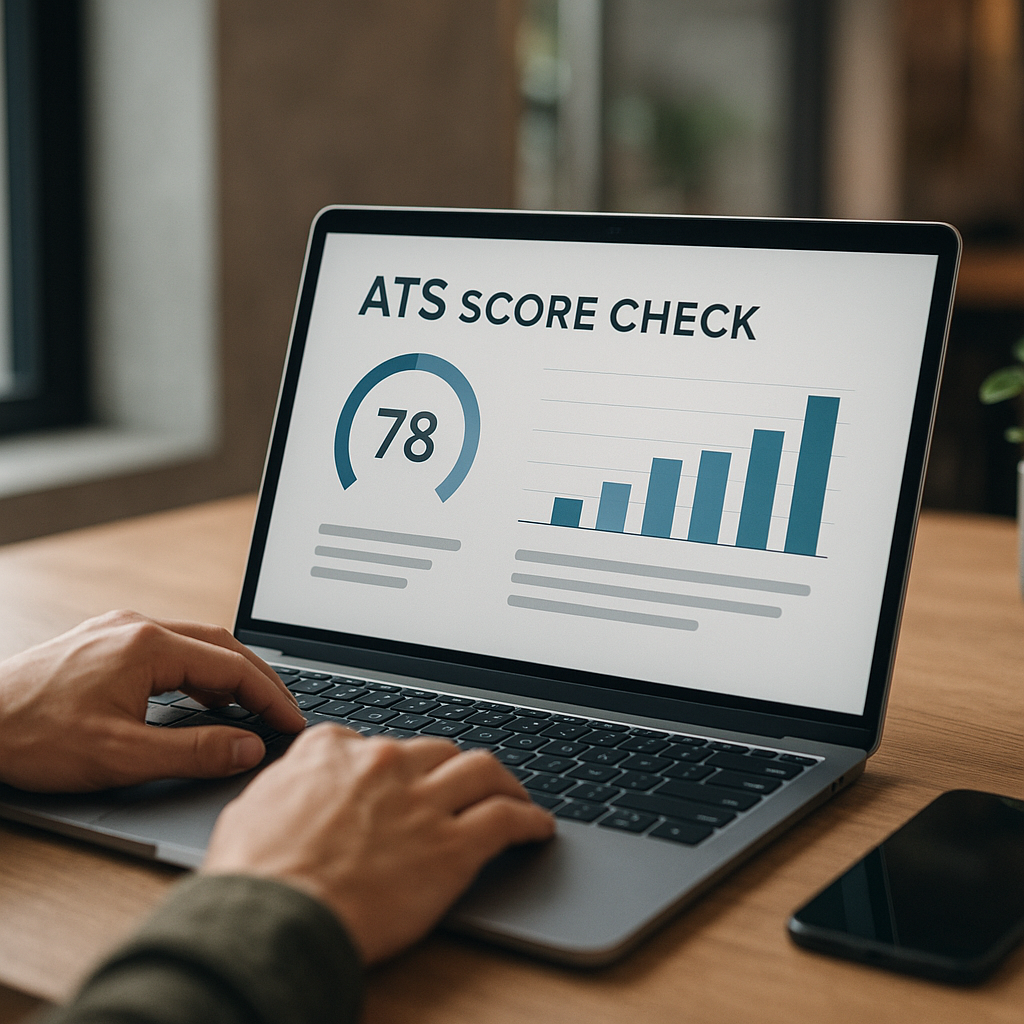
- ATS scoring: test how well your resume matches a job description so your micro-credentials show up as relevant keywords—without keyword stuffing.
- Application insights: spot patterns (e.g., you get screens for “analyst” roles but not “BI analyst” roles, suggesting a positioning gap).
- Mobile app: apply and track on the go—helpful when you’re balancing a current job and a career switch.
- Career path planning: map credentials to roles so you don’t waste time on badges that don’t move you closer to your target.
It’s not about applying more randomly. It’s about applying smarter, with feedback.
Conclusion: The Micro-Credential Play That Wins in 2025
Micro-credentials can absolutely unlock a career switch in 2025—but only when they’re chosen strategically and paired with proof.
If you remember one framework, make it this:
1) Pick one anchor credential that shows up in job postings
2) Build portfolio evidence that demonstrates the skill in context
3) Showcase it with role-first positioning on your resume + LinkedIn
4) Run an application system that helps you learn and improve quickly
If you want a more organized way to manage that system—especially the tracking, ATS alignment, and insight loop—consider trying Apply4Me to keep your career switch focused and measurable.

Jorge Lameira
Author