AI Auto-Apply: How to Reduce Application Failures, Avoid Account Flags, and Still Get Interviews
Auto-apply can save hours—but it can also trigger failed submissions, irrelevant applications, and even account restrictions on job boards. This guide shows a quality-first automation workflow: how to verify submissions, control targeting, and measure which applications actually turn into interviews.

Auto-apply can save you hours every week—but in 2025 it can also quietly sabotage your search. Failed submissions don’t always throw errors. “Easy Apply” forms can submit incomplete profiles. Aggressive automation can trigger spam defenses on job boards. And the biggest risk is invisible: blasting out hundreds of low-fit applications that never convert into interviews.
This guide lays out a quality-first automation workflow for 2025—how to verify submissions, control targeting, avoid account flags, and measure what actually works so auto-apply becomes a multiplier (not a liability).
Why auto-apply fails in 2025 (and why it’s getting stricter)
Job platforms and applicant tracking systems (ATS) have tightened controls over the last two years for three reasons:
1. AI application volume exploded. Employers report application counts rising sharply for remote roles, and many recruiters now expect that a meaningful share of inbound applicants are using automation. The result: more filtering, more bot detection, more friction.
2. Job boards are protecting employer experience. If employers get flooded with irrelevant applicants, they churn. Platforms respond with rate limits, trust scoring, and suspicious-behavior triggers.
3. ATS validation got stricter. More forms now validate required fields, location eligibility, work authorization, and resume parsing consistency before the submission is accepted.
In practice, auto-apply failures typically fall into four buckets:
- Silent failures: You think you applied, but the ATS didn’t record it (or the form didn’t complete).
- Rejected at intake: Eligibility mismatches (location, visa, seniority, salary expectations).
- Low-match filtering: Resume/keyword mismatch or lack of role-specific signals.
- Platform enforcement: Rate limiting, CAPTCHA loops, temporary restrictions, or account “trust score” drops.
The fix isn’t “don’t automate.” It’s automate the right parts and add verification + targeting + measurement so you get interviews, not just application counts.
The 2025 quality-first automation workflow (the system that actually converts)
The best job seekers in 2025 treat auto-apply like a funnel with QA (quality assurance), not like a cannon.
Here’s the workflow to model:
Step 1: Define your “eligible target box” (before you click anything)
Auto-apply fails most often because targeting is loose. Tighten it with a clear eligibility box:
Your target box checklist (set this once per search sprint):
- Titles (3–6 max): e.g., “Data Analyst,” “Analytics Engineer,” “BI Analyst”
- Level band: e.g., 2–5 years (or IC3–IC4)
- Location rules: “Remote US” OR “NYC hybrid ≤2 days/week”
- Work authorization: “No sponsorship needed” (or “sponsorship required—only apply where explicitly offered”)
- Comp floor: e.g., “base ≥ $90k” (or local equivalent)
- Industry exclusions: e.g., “no agency,” “no commission-only,” “no crypto” (if relevant)
- Non-negotiables: e.g., “must use SQL weekly,” “must allow remote”
Why this matters: Most platform flags and wasted applications come from applying too broadly. Tight targeting reduces irrelevant submissions and improves your response rate—without needing more volume.
Step 2: Build role-specific “application packets” (2–3 versions, not 50)
Automation breaks down when every job gets the same resume. But you also can’t hand-tailor 80 applications/week. The compromise is packets:
Create 2–3 ATS-friendly resume versions, each aligned to a role cluster:
- Packet A: “Analyst — SQL + dashboards”
- Packet B: “Analytics engineer — dbt + pipelines”
- Packet C: “Product analytics — experiments + metrics”
Each packet includes:
- Resume (ATS-friendly formatting)
- A short, modular cover letter (optional, but helpful when required)
- A set of pre-written application answers (work authorization, relocation, notice period, compensation range)
- A “proof” portfolio link (GitHub, Notion, case study, writing samples)
Actionable tip: Keep the top third of your resume (headline + 2–3 bullets) role-specific. That’s where both parsers and humans look first.
Step 3: Pre-score jobs to decide where auto-apply is safe vs. where you should go manual
Not every job should be auto-applied. In 2025, the highest ROI approach is:
- Auto-apply for mid-fit roles (when you meet requirements and the posting is straightforward)
- Manual apply + outreach for high-fit roles (your top 10–20 targets)
- Skip low-fit roles (don’t poison your funnel with noise)
A simple pre-score (out of 10) you can do in under 60 seconds:
- Skills match (0–4): Do you match the top 3 required skills?
- Level match (0–2): Are you within the expected range?
- Industry/domain match (0–2): Any relevant domain or adjacent?
- Eligibility (0–2): Location + authorization + schedule
Rule of thumb:
- 8–10: Manual apply + referral/outreach (high priority)
- 6–7: Auto-apply is okay if verified
- ≤5: Skip or only apply if you’re intentionally pivoting and have a story
This one change prevents the #1 auto-apply failure pattern: mass low-fit submissions that never turn into interviews.
How to reduce application failures (verification is everything)
Auto-apply “worked” is not the same as “application received.” In 2025, you need a verification loop.
Common failure points (and how to catch them)
#### 1) Resume parsing errors
Symptoms: Your experience fields import incorrectly; job titles get mangled; dates disappear.
Fixes:
- Use simple headings (“Experience,” “Education,” “Skills”)
- Avoid text boxes, tables, icons, columns, or heavy graphics
- Keep job titles + company + dates on their own lines
- Export as a standard PDF and keep a .docx backup (some systems parse docx better)
Verification habit: After submitting, open the “preview application” page (or confirmation email) and spot-check your imported fields.
#### 2) Required field mismatches
Symptoms: Submission fails due to location, work authorization, salary, or assessment requirements.
Fixes:
- Pre-fill your profile on major boards with consistent data
- Keep your salary range realistic and consistent across platforms
- Don’t auto-apply to roles that require assessments you won’t complete within 24–48 hours
Verification habit: Check your email for “Complete your application” prompts—these are often partial submissions.
#### 3) Duplicate applications and stale postings
Symptoms: “You already applied,” or posting is closed but still listed.
Fixes:
- Track where you applied and when (to avoid duplicate attempts)
- Prioritize postings within the last 7–14 days unless you have a referral
Verification habit: Confirm the job status (open/closed) and record a link/screenshot in your tracker.
#### 4) Broken apply flows (common on mobile)
Symptoms: The final submit button loops, CAPTCHA repeats, attachments fail to upload.
Fixes:
- Use desktop for roles you care about
- Keep file names clean (e.g., FirstLast_Resume_2025.pdf)
- Avoid special characters, very large PDFs, or cloud-only links
Verification habit: You need a submission confirmation page or an email receipt. If you don’t have either, treat it as unsubmitted.
How to avoid account flags and restrictions (without giving up automation)
Job boards are more sensitive to bot-like behavior in 2025. Even legitimate users can get flagged if their activity looks unnatural.
What triggers flags (the patterns to avoid)
- Unrealistic volume spikes: e.g., 80 applications in an hour
- Repetitive click patterns: identical behavior across many postings
- Frequent CAPTCHA hits: repeated failed verifications
- Too many irrelevant applications: low-fit submissions harm “trust”
- Multiple logins/devices rapidly switching (especially with VPNs)
Safer automation behavior guidelines (practical, not moralizing)
- Cap daily auto-applies: Aim for 10–25 quality applications/day, not 100.
- Spread activity across time: Two sessions/day beats one high-speed burst.
- Avoid VPN hopping: Use a stable location; if traveling, expect more verification steps.
- Complete your profile fully: Verified email/phone, consistent location, work authorization.
- Don’t auto-apply to everything “remote”: Remote roles attract the most scrutiny and competition; targeting matters more.
Use a “two-lane system” to reduce risk
Split your search into:
Lane 1: Automation lane (steady, verified volume)
- Mid-fit jobs (score 6–7)
- Straightforward apply flows
- Resume packet matched to the role cluster
Lane 2: High-intent lane (manual + human touch)
- High-fit jobs (score 8–10)
- Roles with referrals, hiring manager names, or niche requirements
- Applications where a tailored summary + outreach gives you an edge
This protects your accounts while improving interview conversion.
Still want interviews? Measure what converts (not what feels productive)
Most job seekers track “applications sent.” High performers track conversion rates by role type and channel.
The 4 metrics that matter in 2025
Track these weekly:
1. Verified applications submitted (not just “clicked apply”)
2. Positive responses (recruiter screens, hiring manager replies)
3. Interview invites
4. Interview-to-offer progress (or at least next-stage rate)
Then segment by:
- Role cluster (Packet A vs B vs C)
- Job source (board vs company site vs referral)
- Posting age (0–7 days vs 8–30)
- Location type (remote vs hybrid vs onsite)
What you’ll usually learn quickly:
- One resume packet converts 2–3× better than others.
- Referrals and direct company-site applies often outperform broad job-board volume.
- Fresh postings outperform stale listings—especially for competitive remote roles.
A practical benchmark mindset (not a promise)
Interview conversion varies wildly by field and seniority, but in 2025 the goal is to move from “spray and pray” to “measurable improvement.” If you’re getting zero interviews, the answer is rarely “more applications.” It’s usually one of:
- targeting mismatch,
- resume packet mismatch,
- verification issues,
- or lack of human signal (referrals/outreach) for your top roles.
Tool comparison: what to look for in AI auto-apply tools (pros and cons)
Not all automation tools are equal—and some can increase risk if they push volume without control.
Core features that reduce failures and flags
When evaluating tools in 2025, prioritize:
- Targeting controls: filters for level, location, authorization, keywords
- Submission verification / status tracking: proof of completion, not guesses
- Job tracking + analytics: see what converts by role cluster/source
- ATS scoring or match insights: helps you choose the right resume packet
- Application insights: identify where drop-offs happen (assessments, missing fields)
- Mobile access: to review, follow up, and manage your funnel on the go
Where Apply4Me fits (and what’s genuinely useful)
If you’re trying to run a quality-first workflow, Apply4Me is designed around the parts most job seekers underinvest in: tracking, scoring, and insights—not just sending more applications.
Key features that support the workflow in this article:
- Job Tracker: reduces duplicates, stale repost re-applies, and “where did I apply?” confusion.
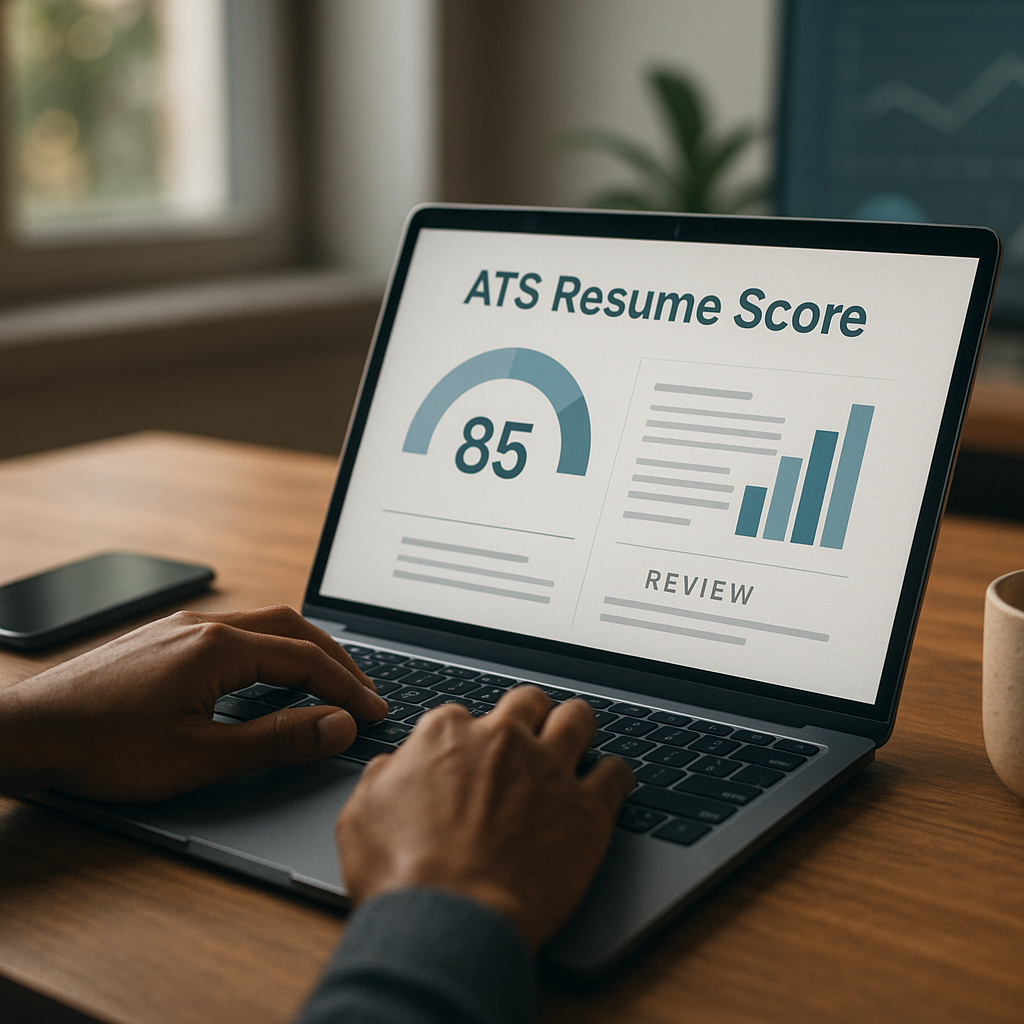
- ATS Scoring: helps you pick the right resume packet and improve match before applying.
- Application Insights: spot patterns like low conversion from specific job boards or role clusters.
- Mobile App: review roles, track statuses, and follow up without needing a laptop.
- Career Path Planning: useful if your data shows a consistent mismatch (e.g., you keep applying for roles one level above your current profile).
Honest trade-offs: Any tool is only as good as your targeting rules and your resume packets. If your inputs are broad or inconsistent, automation will scale the problem. Also, no tool can guarantee interviews—what it can do is help you reduce failure modes and focus on what converts.
Implementation playbook: a 7-day setup for safer automation that gets interviews
Here’s a concrete one-week plan you can follow.
Day 1: Build your target box + exclusions
- Write your titles, level, location rules, and non-negotiables.
- Create your “skip list” (commission-only, irrelevant industries, etc.).
Day 2: Create 2–3 resume packets
- Keep formatting ATS-friendly.
- Customize headline + top bullets per packet.
- Add a portfolio link or proof project where possible.
Day 3: Set up tracking and verification
- Choose a tracker (Apply4Me’s job tracker is built for this).
- Create statuses: Found → Pre-scored → Applied (Verified) → Screen → Interview → Offer/Closed.
- Add a field for “resume packet used.”
Day 4: Start with a low-volume automation lane
- Auto-apply to 10–15 roles that score 6–7.
- Verify submission receipts or confirmation pages.
- Log failures and why they happened.
Day 5: Run the high-intent lane
Pick 5–8 high-fit roles:
- Apply manually (tailor summary/top bullets).
- Send 2 outreach messages per role:
- one to a recruiter (if listed),
- one to a team member/hiring manager if identifiable.
Outreach template (tight and effective):
Hi [Name] — I just applied for the [Role] role. I’ve done [1 relevant thing] and [1 relevant thing], and I’d love to help with [team goal]. If helpful, I can share a quick portfolio example: [link]. Either way, excited about the team’s work on [specific product/project].
Day 6: Review your data and fix bottlenecks
- Which roles failed submission?
- Which packet got any positive signals?
- Are you over-applying to remote roles with ultra-high competition?
Day 7: Adjust and scale carefully
- Increase automation lane to 15–25/day if verification is clean and your account remains stable.
- Shift time toward the channels that convert (often referrals + company sites).
Conclusion: Use auto-apply as a precision tool, not a volume weapon
AI auto-apply in 2025 is most effective when you treat it like a system: tight targeting, resume packets, verified submissions, and conversion tracking. This approach reduces failed applications, lowers the risk of account flags, and—most importantly—helps you learn what actually produces interviews in your specific market.
If you want a tool that supports this quality-first workflow (especially the parts most people skip: job tracking, ATS scoring, application insights, mobile management, and career path planning), Apply4Me is worth trying as you scale your search—without sacrificing precision.

Jorge Lameira
Author