ATS Keywords Guide: How to Extract Skills From Job Descriptions (Without Keyword Stuffing) and Improve Callbacks
Many qualified candidates get filtered out because their resumes don’t match the exact skills language employers use. This guide shows how to pull the right keywords from job descriptions, map them to proof (projects, metrics, tools), and weave them into a resume naturally—so you score higher without sounding generic.
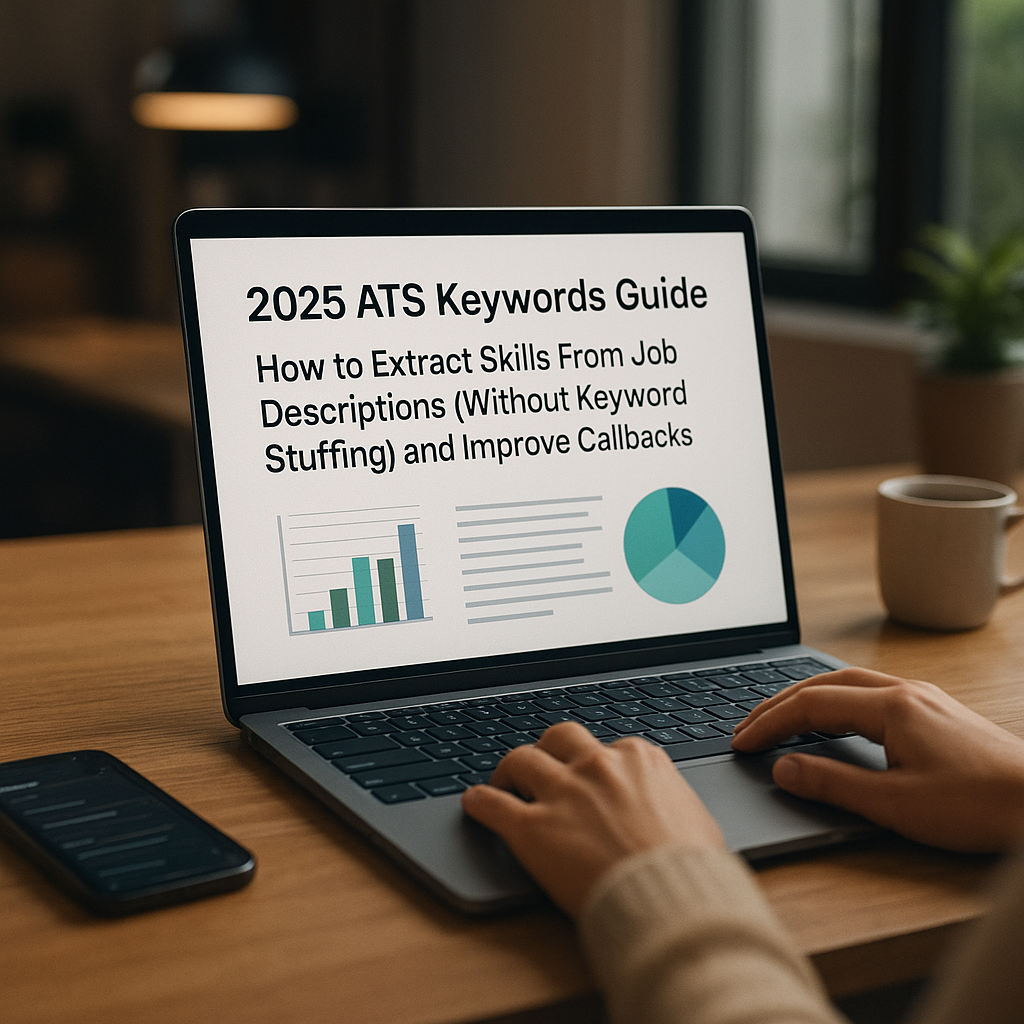
Many qualified candidates get filtered out for a frustrating reason: their resume doesn’t match the exact skills language employers use. Not because they can’t do the job—but because their experience is described differently than the job description (JD), and an ATS (Applicant Tracking System) can’t “infer” what a human would.
This guide shows how to extract the right skills from job descriptions, map them to proof (projects, metrics, tools), and weave them into your resume naturally so you score higher without sounding like a keyword bot. It’s built for the realities of 2025: AI-assisted screening, tighter hiring cycles, and recruiters who skim fast.
Why ATS keyword matching matters more in 2025 (and how it actually works)
ATS systems still do the unsexy basics: parse, categorize, rank. But in 2025, more companies layer AI on top of ATS data—meaning your resume is often judged twice:
1. ATS parsing & matching (hard filters):
- Can the system read your resume cleanly?
- Do you appear to meet required skills/experience?
2. AI/recruiter scoring (soft ranking):
- How strong is the evidence?
- Is your experience relevant, recent, and measurable?
The big misconception: “If I add more keywords, I’ll rank higher.”
In practice, keyword stuffing backfires because:
- It dilutes your most relevant skills (signal-to-noise problem).
- It reads generic to recruiters.
- Some systems flag unnatural repetition or irrelevant skills clusters.
A better goal: High match density with high proof density.
Meaning: the right skills in the right sections, backed by specific outcomes.
The 2025 keyword types you need to extract (not just “skills”)
Most job seekers scan JDs and only pull obvious hard skills (e.g., “Python,” “SQL”). In 2025, that’s incomplete. Strong matches typically include five keyword categories:
1) Hard skills (tools, platforms, languages)
Examples: Python, SQL, Tableau, Salesforce, Snowflake, AWS, Kubernetes, Figma, GA4.
How ATS uses them: Often exact-match or close-match.
2) Methodologies & frameworks
Examples: Agile, Scrum, ITIL, SOC 2, NIST, SDLC, OKRs, HIPAA, PCI-DSS.
Why it matters: These keywords often appear in “requirements” and can act like filters.
3) Role responsibilities (what you do)
Examples: “build dashboards,” “forecast demand,” “manage stakeholder expectations,” “design experiments,” “write SOPs,” “own roadmap.”
Hidden advantage: These phrases are what recruiters search in the ATS.
4) Domain & industry language (context keywords)
Examples: fintech, B2B SaaS, omnichannel, claims processing, churn, ARR, GL accounting, patient outcomes.
Why it matters: Two candidates can both “analyze data,” but industry language signals you can apply it in their world.
5) Outcome metrics (what success looks like)
Examples: reduce cycle time, improve NPS, increase conversion, reduce cloud spend, improve time-to-resolution.
Pro move: Mirror the JD’s success metrics with your own (truthfully).
Step-by-step: Extract keywords from a job description in 12 minutes
You don’t need to guess what matters. You need a repeatable process.
Step 1: Copy the JD into a “skill capture” doc
Create a simple table with four columns:
- JD Phrase (exact)
- Keyword Type (tool / framework / responsibility / domain / metric)
- Priority (Must / Preferred / Bonus)
- Proof from your background (project, result, tool used)
You’re building a bridge between their language and your evidence.
Step 2: Identify “Must-have” keywords (your short list)
Look for:
- Repeated phrases (appear 2–4+ times)
- Items under “Required Qualifications”
- Anything tied to compliance or core tooling
- Anything in the first 25% of the JD (companies often front-load priorities)
Rule of thumb (practical, not perfect):
Your resume should clearly cover 80–90% of must-haves and 40–60% of preferred—if you actually have them.
Step 3: Extract verbs + objects (responsibility keywords)
Don’t just collect nouns like “communication.” Pull phrases like:
- “present insights to stakeholders”
- “build KPI dashboards”
- “manage cross-functional roadmap”
- “define experiment design”
These phrases are ATS-searchable and recruiter-readable.
Step 4: Translate synonyms without losing the employer’s wording
ATS can be rigid. If the JD says “forecasting,” and you say “predictive modeling,” include both (naturally):
- “Built forecasting (predictive modeling) pipeline…”
- “Created KPI dashboards (executive reporting)…”
This avoids keyword stuffing while increasing match coverage.
Step 5: Confirm your “proof inventory”
If you can’t prove a keyword, it doesn’t belong in your resume’s core sections.
A clean approach:
- Put claimed skills in Skills/Tools.
- Put proven skills in bullets with metrics, scope, and tools.
Keyword mapping: Turn extracted skills into proof (projects, metrics, tools)
A keyword without evidence is weak. Evidence without the employer’s language is invisible. You need both.
The “Skill → Proof → Result” mapping formula
For each must-have keyword, write one bullet that includes:
- Skill/keyword (mirror JD language)
- Action (what you did)
- Tool/tech (how you did it)
- Outcome metric (what changed)
Template:
[Action verb] + [keyword responsibility] using [tools] to achieve [metric/outcome] for [scope]
Example 1: Data Analyst JD (keyword extraction → bullet rewrite)
JD snippet (common in 2025):
- “Build dashboards in Tableau and maintain data models in Snowflake.”
- “Partner with stakeholders to define KPIs.”
- “Write SQL queries for ad hoc analysis.”
Weak resume bullet (generic):
- “Responsible for reporting and dashboards for the business.”
Stronger, ATS-aligned bullet (natural):
- “Built Tableau dashboards connected to Snowflake data models; partnered with Sales Ops to define KPIs, reducing weekly reporting time by 35% using optimized SQL queries.”
Notice what happened:
- Keywords appear once each (no stuffing).
- They’re embedded in a real accomplishment.
- The bullet is still human-readable.
Example 2: Product Manager JD (responsibilities + domain language)
JD snippet:
- “Own roadmap for onboarding funnel; run A/B tests; collaborate with Design and Engineering; track activation and retention.”
Weak bullet:
- “Worked with cross-functional teams to improve the product.”
Stronger bullet:
- “Owned onboarding roadmap for B2B SaaS product; ran A/B tests on activation steps with Design/Engineering, improving activation rate +12% and reducing time-to-value by 2 days.”
You mirrored their language while proving impact.
Where to place keywords (so it improves ATS scoring and reads well)
Keyword placement matters because ATS and recruiters scan different parts.
1) Headline + summary (high impact, low word count)
Use this section to mirror the role’s “core identity” and 3–5 must-haves.
Example (for Cloud Engineer):
Cloud Engineer with 5+ years in AWS, Terraform, and Kubernetes, focused on improving reliability and reducing cloud spend through automation and observability.
Avoid dumping 20 tools here. Make it read like a human.
2) Skills section (best for hard skills + tools)
Do:
- Group tools by category (clean parsing)
- Use the JD’s naming (e.g., “Google Analytics 4 (GA4)”)
Don’t:
- Add tools you haven’t used recently or can’t defend in an interview
- List 40 items with no prioritization
Example structure:
- Languages: Python, SQL
- Analytics: Tableau, Looker, Excel
- Data: Snowflake, dbt
- Cloud: AWS (S3, Lambda)
3) Experience bullets (best for responsibilities + outcomes)
This is where you prove the keywords.
A strong rule:
- 1 keyword cluster per bullet, not 6.
- Each bullet should be “searchable” and “skim-friendly.”
4) Projects (critical for career changers and early-career)
If you’re missing “work experience” keywords, projects can carry the load—if they’re credible and measurable.
Add:
- dataset/source
- tools
- result/insight
- link (GitHub/portfolio) when appropriate
How to avoid keyword stuffing (and still score high)
Keyword stuffing looks like this:
- A Skills section with 60 tools
- Repeating the same tool in every bullet
- Copy/pasting JD lines into your resume
- Adding buzzwords (“synergy,” “innovative,” “dynamic”) that don’t map to the job
Instead, use these 2025-safe techniques:
1) Use “one-and-done” keyword mentions—then prove with context
If you mention “SQL” in Skills, you don’t need it in every bullet. Put it in 1–2 bullets where it mattered.
2) Prefer phrase matching over single-word spam
ATS searches often match phrases:
- “stakeholder management”
- “root cause analysis”
- “customer segmentation”
- “incident response”
Use the phrase once, then show what you did.
3) Add parentheses for synonyms (sparingly)
This is the cleanest way to cover variations:
- “Google Analytics 4 (GA4)”
- “ETL (data pipelines)”
- “OKRs (goal setting)”
4) Don’t claim what you can’t defend
In 2025, interviews often include:
- tool-specific questions
- scenario prompts
- work samples
- “walk me through how you did that”
If you can’t explain it, it’s not a keyword—it’s a liability.
Tooling in 2025: What helps, what doesn’t (pros and cons)
A lot of job seekers now use AI to scan JDs and generate resumes. That can help—but only if you validate the output.
Manual method (Google Doc + highlight)
Pros: Most accurate; forces you to map proof; no hallucinations
Cons: Slower; harder to track multiple roles
AI chat tools (general-purpose)
Pros: Fast keyword extraction; can suggest synonyms; helps rewrite bullets
Cons: Can invent skills; may overstuff; sometimes misses domain nuance
Resume scanners / ATS scoring tools
Pros: Identify missing must-haves; highlight formatting issues; give match estimates
Cons: Scores vary by vendor; some overemphasize raw keyword count
Where Apply4Me fits (practical use, not hype)
If you’re applying to multiple roles, the hard part isn’t extracting keywords once—it’s staying consistent across 20–80 applications without losing your mind.
Apply4Me can help because it combines several job-search “systems” in one place:
- Job tracker to manage versions of your resume per role (and avoid sending the wrong one)
- ATS scoring to spot missing must-have keywords before you apply
- Application insights so you can see patterns (e.g., which resume version gets more responses)
- Mobile app for quick updates when a good role drops
- Career path planning to identify which skills show up repeatedly across your target roles (so you upskill strategically, not randomly)
The advantage isn’t “more keywords.” It’s building a repeatable workflow: extract → tailor → track → learn.
Implementation: A 30-minute workflow to tailor each application (without burning out)
Here’s a practical routine you can use per job:
Minute 0–5: Create your “JD keyword shortlist”
- Pull 10–15 keywords total:
- 5–7 must-have hard skills/tools/frameworks
- 3–5 core responsibilities (phrases)
- 2–3 domain terms or success metrics
Minute 5–15: Update Skills + Summary (light touch)
- Add missing must-have tools (only if true)
- Mirror the role title and specialization
- Add 1–2 domain keywords
Minute 15–30: Rewrite 2–4 bullets (high impact)
Pick bullets closest to the JD and rewrite using the mapping formula:
- keyword → action → tool → metric → scope
Tip: Tailor fewer bullets better.
Four strong, relevant bullets beat ten generic ones.
Quick checklist: “ATS-friendly without sounding generic”
Use this before you apply:
- [ ] The resume uses the exact job title (or closest truthful variant) near the top
- [ ] Skills section includes the top 5–8 must-have tools from the JD (if true)
- [ ] Experience includes 2–3 responsibility phrases that mirror the JD
- [ ] At least 2 bullets include measurable outcomes (%, $, time, scale)
- [ ] No bloated keyword lists (you can explain every skill)
- [ ] Formatting is ATS-readable (simple headings, no text boxes for key info)
Conclusion: Better keywords aren’t the goal—better matching is
In 2025, getting callbacks isn’t about gaming the ATS. It’s about speaking the employer’s language and proving you can deliver outcomes in that role. When you extract the right keywords, map them to real evidence, and weave them naturally into your resume, you stop getting filtered out for avoidable reasons.
If you want to make this process easier across many applications—especially tracking which versions work—tools like Apply4Me can help you organize your search with a job tracker, check alignment with ATS scoring, learn from application insights, manage updates via the mobile app, and stay intentional with career path planning.
Your next step: pick one target role, run the 12-minute extraction method, and rewrite just three bullets using the employer’s phrasing plus your metrics. That’s often enough to move you from “maybe” to interview.

Jorge Lameira
Author